4-105
Operation Panel
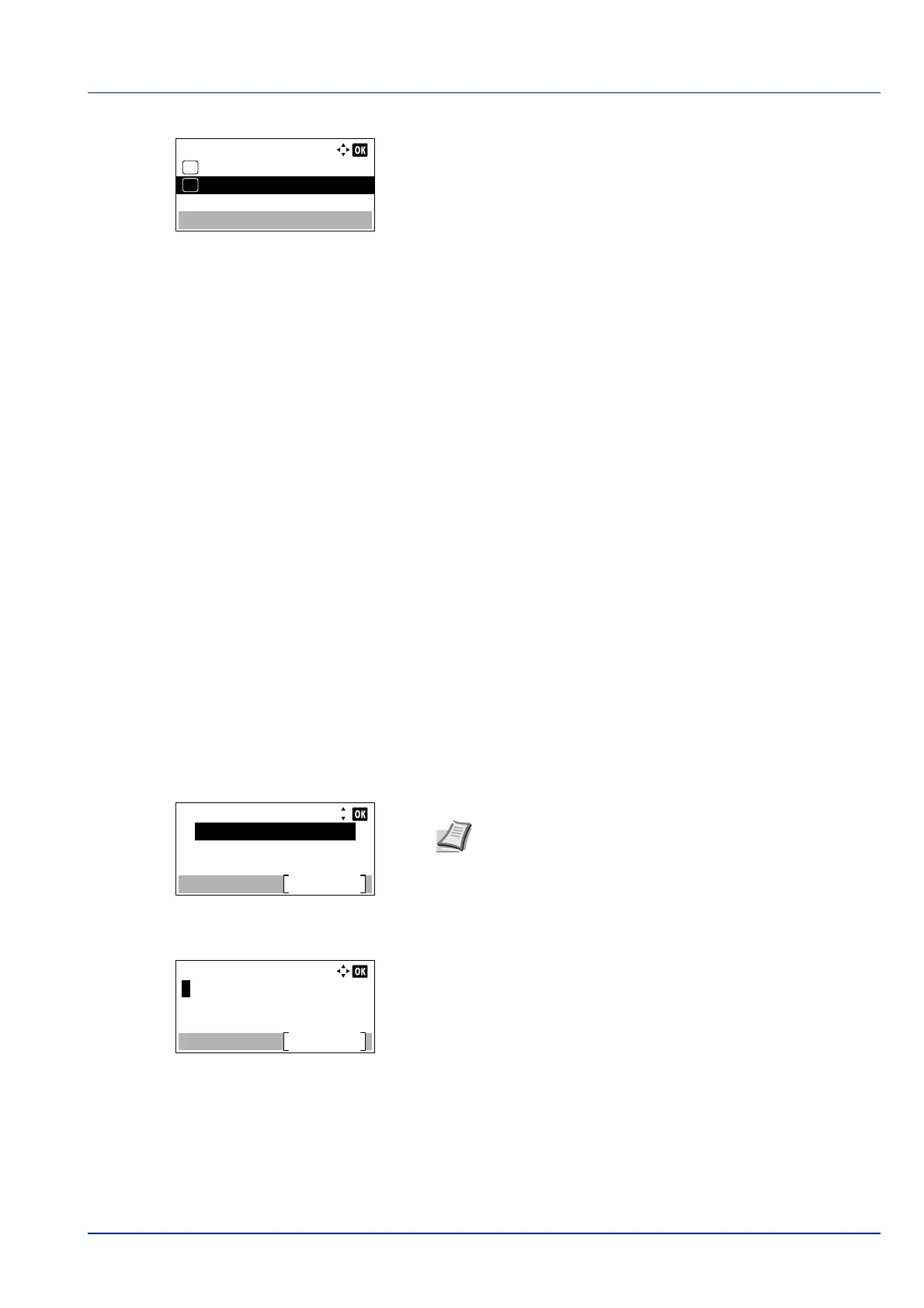
2 Press [OK]. The MP Tray Empty screen appears.
3 Press or to select the setting for the paper-empty message to
display.
4 Press [OK]. The display of MP Tray Empty is set and the Error
Handling menu screen reappears.
Timer Setting
This specifies timer-related settings such as the automatic form-feed timeout and the timeout settings for Auto Sleep.
The options available in Timer Setting are as follows:
• Auto Panel Reset (Auto panel reset setting)...4-107
• PanelReset Timer (Setting the panel reset timer)...4-107
• Sleep Level Set. (Sleep level setting)...4-108
• Sleep Timer (Sleep timer timeout time)...4-110
• Power Off Rule (Power Off Rule setting) (for Europe)...4-110
• Power Off Timer (Power off timer settings) (for Europe)...4-111
• WeeklyTimer Set. (WeeklyTimer Settings)...4-112
• Auto Err. Clear (Auto error clear setting)...4-115
• Err. Clear Timer (Setting the error clear time)...4-116
• FormFeed TimeOut (Automatic form feed timeout setting)...4-116
• Ping Timeout (Setting the Ping Timeout time)...4-116
1 In the Device Common menu, press or to select Timer
Setting.
2 Press [OK]. The Login screen appears.
3 With the Login User Name entry field selected, press [OK]. The
Login User Name entry screen is displayed.
IMPORTANT To change the Timer Setting, the administrator's Login User Name and Login Password must be
entered. For details of the administrator settings, refer to Administrator on page 4-136.
Login User Name:
Login
Login Password:
Note When user login administration is set:
• When logged in as an administrator, the log in screen is
not displayed and the Timer Setting menu screen is
displayed.
• The setting is not possible when logged in as anyone other
than an administrator. Log in again as an administrator.



 To Next Page