20
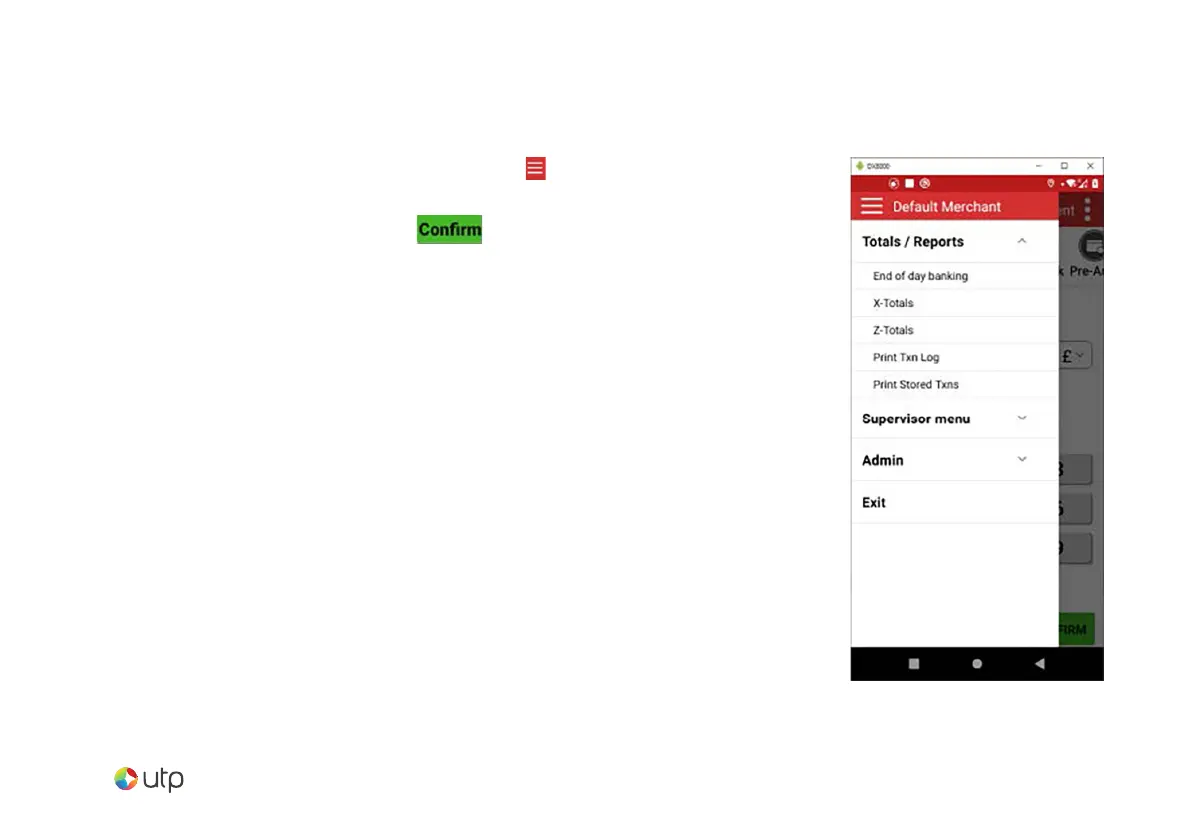
To access the reports menu, press the option at the top
left of the screen, then tap “Totals / Reports”. Enter the
Supervisor password and tap .
End of day banking
It is advised that this be done at the end of each day that
you trade.
X-Totals
Can be printed at any time throughout the day and give
a sub-total of all transactions performed. X totals do not
reset the totals within the terminal.
Z-Totals
Show the total transactions taken since the last Z balance
was completed. Once completed the totals within the
terminal are reset to zero.
End of day reports



 To Next Page