4
Changing the paper roll
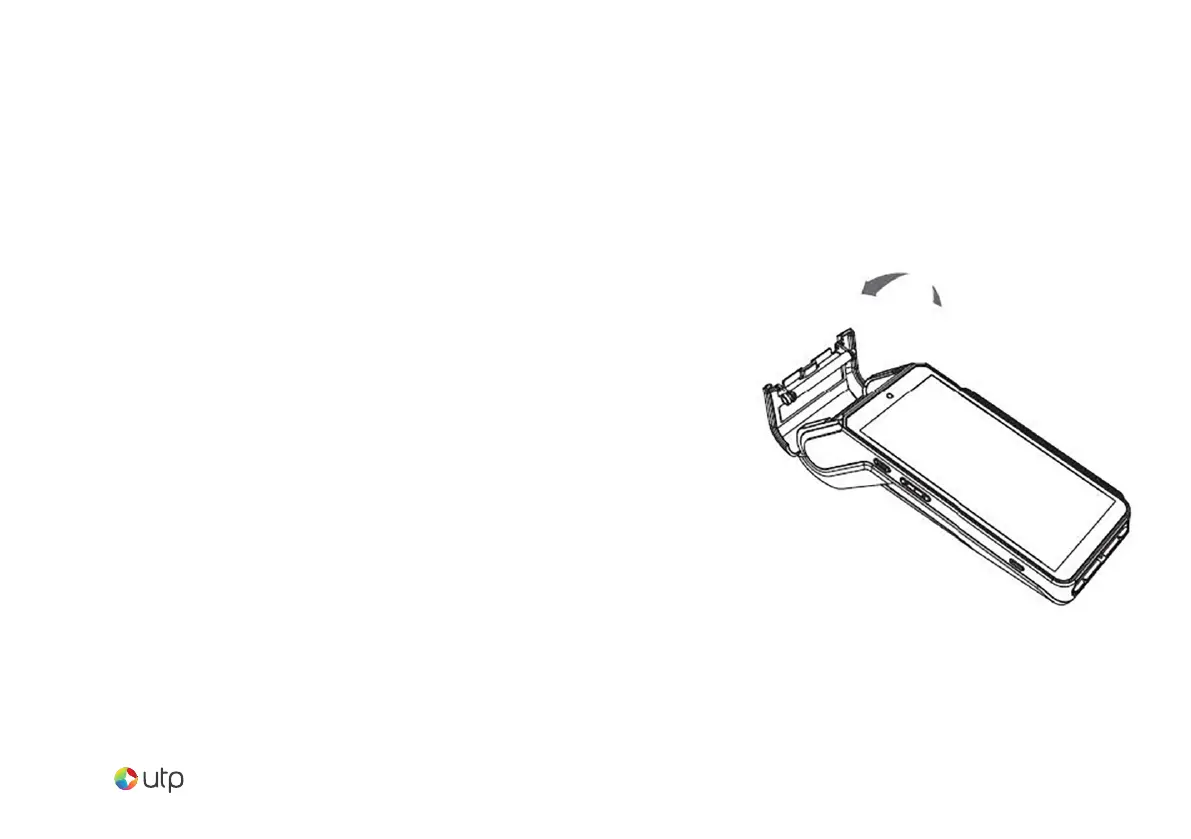
Hold the terminal in one hand. Open the paper
roll compartment by lifting the catch located at
the top of the UTP Max. Fully open the printer
cover and remove the old paper roll.
Unstick the end of the new roll and insert the
paper roll in the compartment as shown.
Pull the paper to the top of the terminal.
Holding the free end of the paper, close the
cover. Press simultaneously on both upper
corners of the cover until it clips into position.


 To Next Page