8
The chip card reader
DO NOT REMOVE THE CARD UNTIL
INSTRUCTED TO DO SO BY THE TERMINAL.
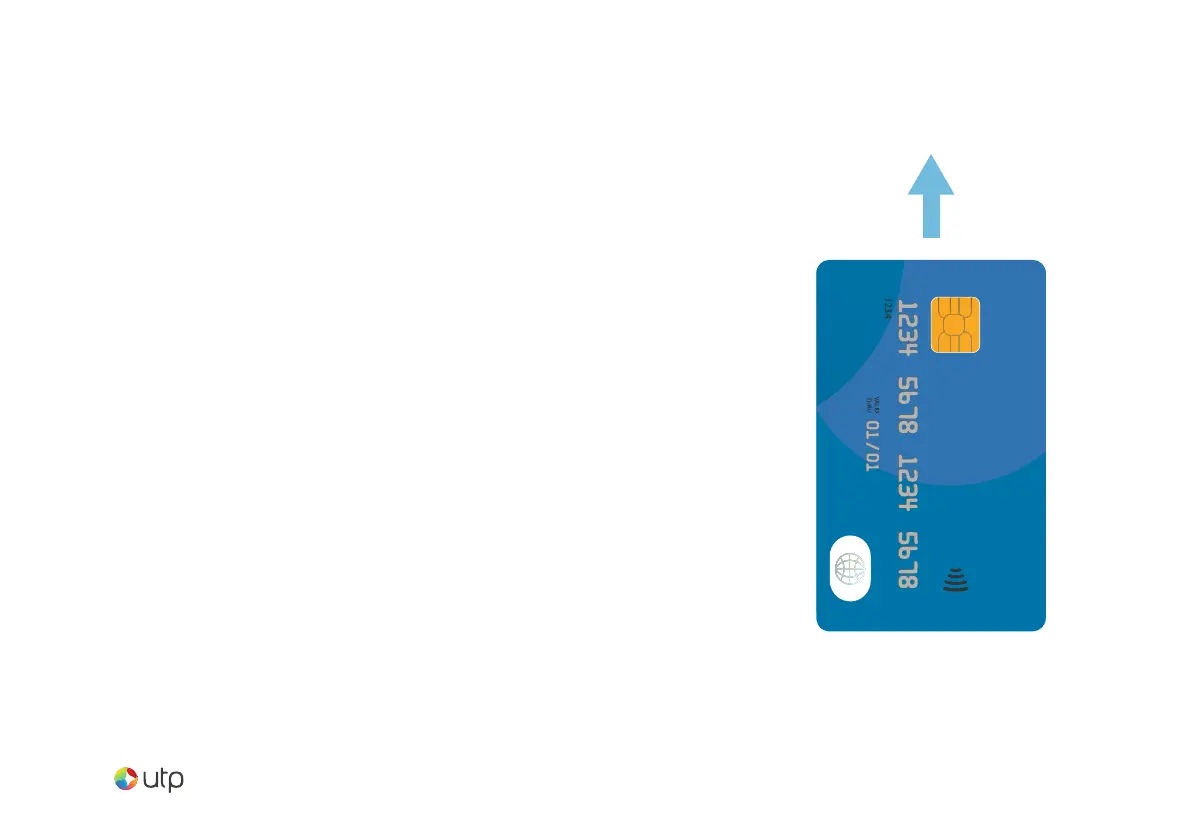
Customer cards must be inserted as shown,
with the chip upwards. Push the card fully
into the slot below the screen and follow the
instructions on screen.
If you see a “Please Insert Again” message,
check the card orientation and try again.


 To Next Page