UV Smart D25 | Instructions for use | Revision 9 EN 21
Interface
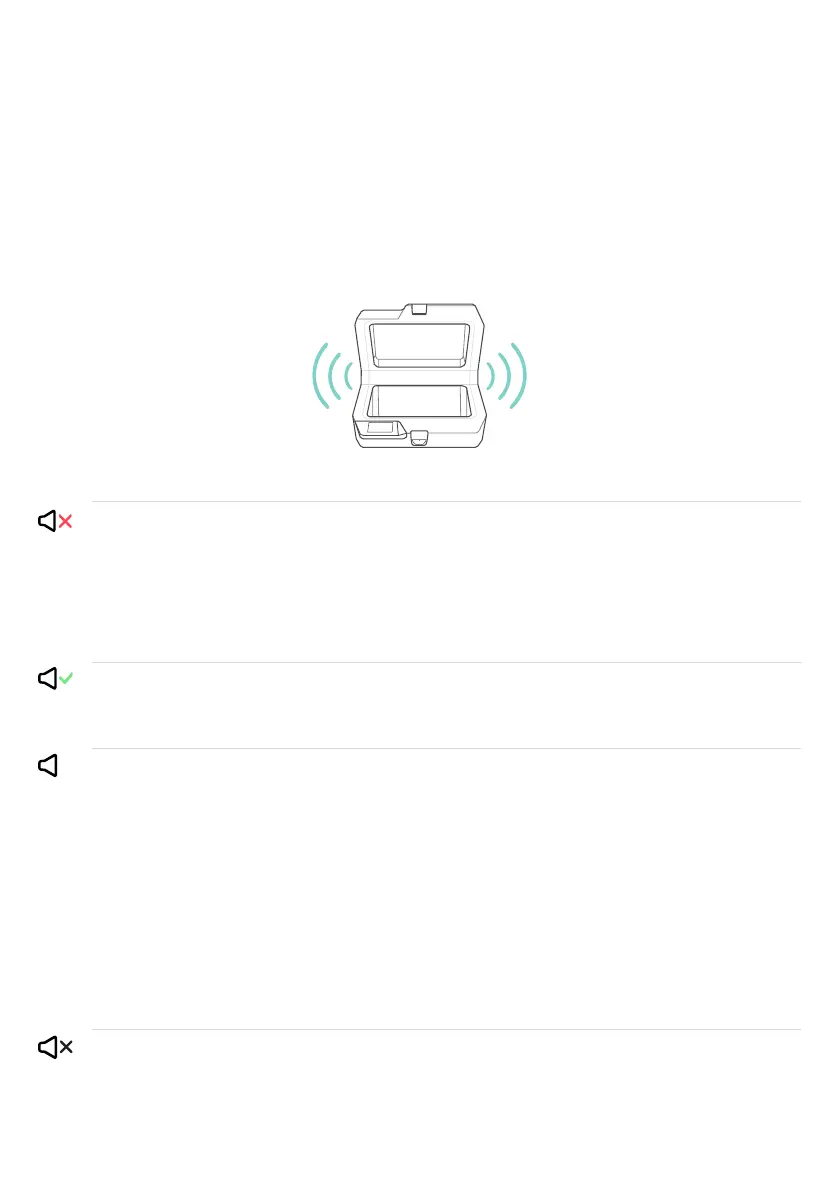
The D25 interface consists of audio and visual components. Information is
communicated to the user through speakers, lights and a display.
Sound
Negative
Positive
Attention
No Sound
Possible meanings
The medical equipment has not been disinfected
The lamps are not functioning properly
The D25 is starting up
The medical equipment has been successfully
disinfected
The lid is not (properly) closed
The lid does not open automatically
The D25 needs cleaning
D25 is ready to be used
Action options
▪ Check display for instructions
▪ Close the D25 manually
▪ Contact UV Smart or your local
distributor
▪ Check display for instructions
▪ Contact UV Smart or your local
distributor
▪ Check display for instructions
▪ Take out medical equipment
▪ Check display for instructions
▪ Close the lid until the clip
clicks in position
▪ Contact UV Smart or your local
distributor
▪ Check display for instructions
▪ Open the lid manually
▪ Contact UV Smart or your local
distributor
▪ Check display for instructions
▪ Manually clean the D25
▪ Contact UV Smart or your local
distributor
▪ Insert medical equipment
!
Sounds
Proprietary & Confidential - Page 21 of 41 - Uncontrolled if Printed


 To Next Page