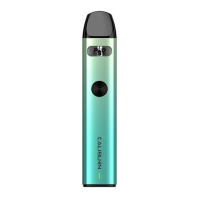
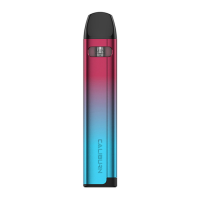
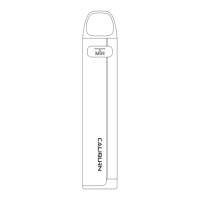
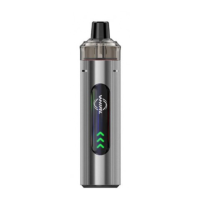
3. Pod replacement
a. Remove the used pod from the device.
b. Install a new pod into the device.
Attention:
a. Please fill in time when the e-liquid is under MIN level.
b. Please do not discard the 510 drip tip when you replace
the pod.
Device Operation Instructions
1. Turn on/off
Press the fire button 5 times continuously and quickly to
turn on/off the device. The light flashes 3 times in green to
show the power is on.
2. Ignition function Lock
Press the fire button 2 times continuously and quickly, the
light will flash in red once, and the ignition function of the
fire button will be locked.
Press the fire button 2 times continuously and quickly, the
light will flash in green once, and the ignition function of the
fire button will be unlocked.
3. Vaping
Vape by button or direct draw when the device is powered
on. Do not vape for over 8 seconds each time.
4. Power mode introduction
Press the fire button 3 times continuously and quickly to
enter the power adjustment mode, and the light will flash
three times as a hint. The device will exit this mode under
two conditions: one is drawing or pressing the button to
ignite, and another is no option in 10 seconds.
- 4 -



 To Next Page