GETTING STARTED WITH THE APP
Get the “V-MODA HEADPHONE EDITOR” app from Google Play or the App Store and
download/install the app to your device
Pair the headphones with your device settings
Go to STEP BY STEP GUIDE 2 PAIRING NEW DEVICES and follow the procedure
*If you're using an already-paired mobile device:
Go to STEP BY STEP GUIDE 3 CONNECTING PAIRED DEVICES and follow the
procedure
Open and activate “V-MODA HEADPHONE EDITOR” app
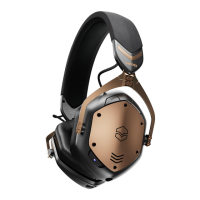
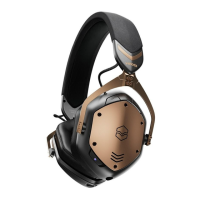
If you see “V-MODA Crossfade 3” on the screen, select it to connect. Tap "pairing"
if the app screen asked you for pairing. When the update software is available, you
will receive a notification to update the software.
If the headphones update cannot be completed, please note the following and
update again
1
2
3


 To Next Page