4
5
CHARGING
PAIRING A SECOND DEVICE
Connect the USB-C charging cable to charge headphones
To prevent malfunction or equipment failure, turn the volume down and turn the
headphone off before connecting to a power source
a. Ensure the headphones are switched off, charged and within 1m of the device
b. Activate Bluetooth in the settings of your new device
c. Once powered on, slide switch to the right, hold 3 seconds, when the LED starts
to blink twice per second, release the switch and enter secondary pairing mode
(sonar sound)
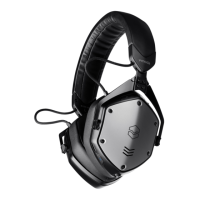
d. When “V-MODA Crossfade 3” appears in the “new Bluetooth devices” section on
your device, select it to pair
Low Battery
Charging
Fully Charged
Blinking orange LED
Fading orange LED
White LED


 To Next Page