TROUBLESHOOTING
If you are experiencing trouble with your headphones, please refer to the troubleshooting
guidelines below. If the problem persists, please contact the V-MODA Support Team or
the nearest Roland service center.
TROUBLE SUGGESTIONS
• Make sure headphones are not connected to the charger and
they are powered on
• Turn off the headphones and turn them on again
• Remember to turn on the Bluetooth feature on your device
• Turn off the Bluetooth feature on any other device which has
been previously paired
• Reset paired devices history by pressing and holding Volume
+ and Volume - for 3 seconds
• Try to pair with another device to make sure that both the
headphones and your Bluetooth device are working properly
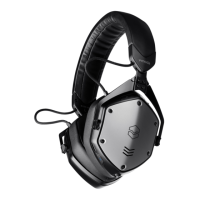
• Go to Bluetooth settings and select “V-MODA Crossfade 3”
Pairing process
trouble


 To Next Page