Need help?
Do you have a question about the V-TEK DF7-WS and is the answer not in the manual?
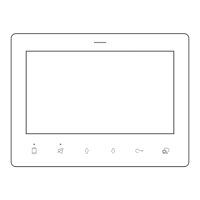
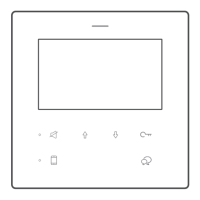
Configure monitor address and master/slave settings using the monitor menu and touch keys.
Activate the system by pressing and holding a specific key until an LED flashes.
Set up the master/slave relationship for system operation.
Enable automatic call back functionality after initial setup.
Modify the ringtone volume level through the menu interface.
Select from three available ringtone melodies for different call types.
Enable or disable 'Do Not Disturb' mode and 'Divert to APP' feature.
Manage incoming calls, release door locks, and adjust display settings.
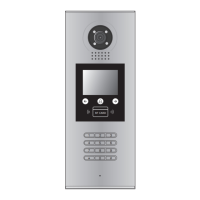
View live feed from door station 1 or other connected cameras.
Initiate intercom or inner calls to other units within the system.
Control external lights via DT-RLC/Mini RLC modules.
 General
| Brand | V-TEK |
|---|---|
| Model | DF7-WS |
| Category | Intercom System |
| Language | English |


 To Next Page