Need help?
Do you have a question about the V-TEK DF4 and is the answer not in the manual?
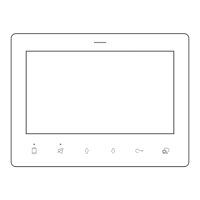
Details the 4.3" TFT display, touch keys, indicators, microphone, and speaker.
Covers the BUS line, doorbell button, and talk volume jumper.
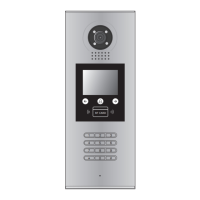
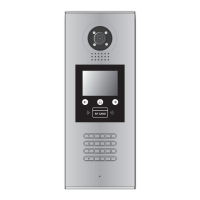
Illustrates how to connect monitors, power supply, and door stations.
Mentions limitations with DT-IPG and RLC light modes.
Details the physical installation process and initial configuration.
Procedure to configure the monitor's unique address via the menu.
Process to activate the device by initiating a call from a door station.
How to set the device's role as master or slave in the system.
How to modify the volume level for incoming call alerts.
Select different sound patterns for various call types.
Configure 'Do Not Disturb' and 'Divert to APP' modes.
How to answer calls and control door locks.
View live feed from a connected door station.
Make calls between units or to door stations.
Operate the light feature via connected RLC units.
 General
| Brand | V-TEK |
|---|---|
| Model | DF4 |
| Category | Intercom System |
| Language | English |

 To Next Page