-
10
-
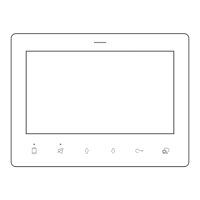
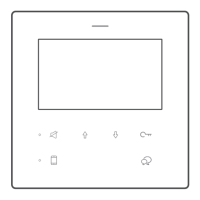
To restore to the factory default settings, by following steps.
1.Disconnect the DF4 from bus line, wait for 30s, and connect to bus line.
2.Within 10s power up, press and hold for 12s, release when and LED
ashes.
3.A long beep means all setting rest to factory default
1. All components should be protected from violence vibration. And not allow
to be impacted, knocked and dropped.
2. Please do the cleanness with soft cotton cloth, please do not use the
organic
impregnant or chemical clean agent. If necessary, please use a little pure
water or dilute soap water to clean the dust.
3. Image distortion may occur if the video monitor is mounted too close to
magnetic eld e. g. Microwaves, TV, computer etc.
4. Please keep away the monitor from wet, high temperature, dust, caustic
and oxidation gas in order to avoid any unpredictable damage.
5. Must use the right adaptor which is supplied by the manufacturer or
approved
by the manufacturer.
6. Pay attention to the high voltage inside the products, please refer service
only to a trained and qualied professional.
Restore Factory Setting
Precautions
Address will remain while the master/slave will restore


 To Next Page