12
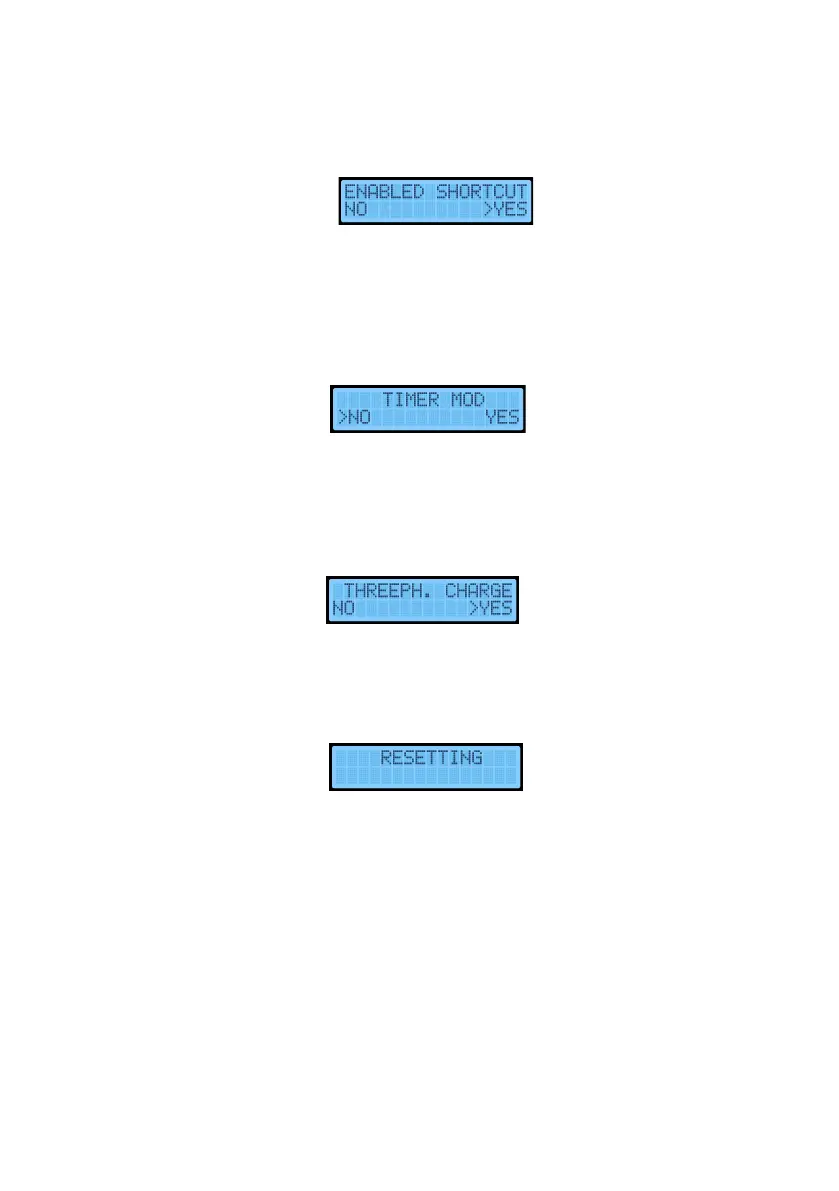
Enable shortcut
This option allows us to permanently disable the buttons on the left side of the e-Charger. These
buttons allow us to:
- Lock and unlock the charger, by long pressing the bottom button for 3 seconds.
- Access the charger menu and review all the steps previously mentioned in this manual.
- Disable and enable a scheduled charging, by lon pressing the top button for 3 seconds.
Timer mode
This option should only be enabled if our car does not charge the instant it is connected or when
it has a scheduled charge. Renault ZOE and Dacia Spring are two electric vehicle models that do
not charge instantly. If you have one of these models, you must activate the timer for the car to
start charging.
Three-phase charging
This mode is available if you have a three-phase charger on a three-phase installation. If we
choose 'No', it converts the three-phase charger into a single-phase charger, a recommended
option if we have low power contracted.
After configuring this parameter, if necessary, the equipment will restart. It is recommended not
to charge the vehicle while performing this manipulation, although this would not be a critical
problem.
Note: All these settings can be made from the V2C Cloud app.


 To Next Page