EasyManua.ls Logo

V7 UPS1TW1500-1E - User Manual

V7 UPS1TW1500-1E
22 pages
Print Icon
To Next Page IconTo Next Page
Loading...
UPS 1500VA TOWER EU
UPS1TW1500-1E

Questions and Answers

  • A
    andrewmillerAug 1, 2025
    What to do if the V7 UPS1TW1500-1E backup time is too short?
    • C
      Caitlin LucasAug 1, 2025
      If the backup time of your V7 UPS is too short, there might be several reasons: * The battery voltage could be too low: In this case, charge the battery for at least 6 hours. * There might be an overload: Remove some unnecessary loads. Before reconnecting equipment, verify that the load matches the UPS capability in the specifications. * The battery might be defective: If this is the case, replace the battery.
  • M
    Michelle GillAug 16, 2025
    What to do if nothing is displayed on the V7 UPS1TW1500-1E panel?
    • M
      Michael TurnerAug 16, 2025
      If nothing is displayed on the V7 UPS panel, it could be due to a few reasons: * The UPS might not be turned on: Press the power switch again to turn on the UPS. * The battery voltage might be too low: Charge the battery for at least 6 hours. * There could be a battery fault: Replace the battery.

Summary

Installation and Operation

Inspection

Check the UPS unit for any damage that may have occurred during shipping.

Connecting to Power and Equipment

Connect AC power cord to utility and plug devices into UPS outlets.

UPS Powering and Software Installation

Learn to turn the UPS on/off and optionally install monitoring software.

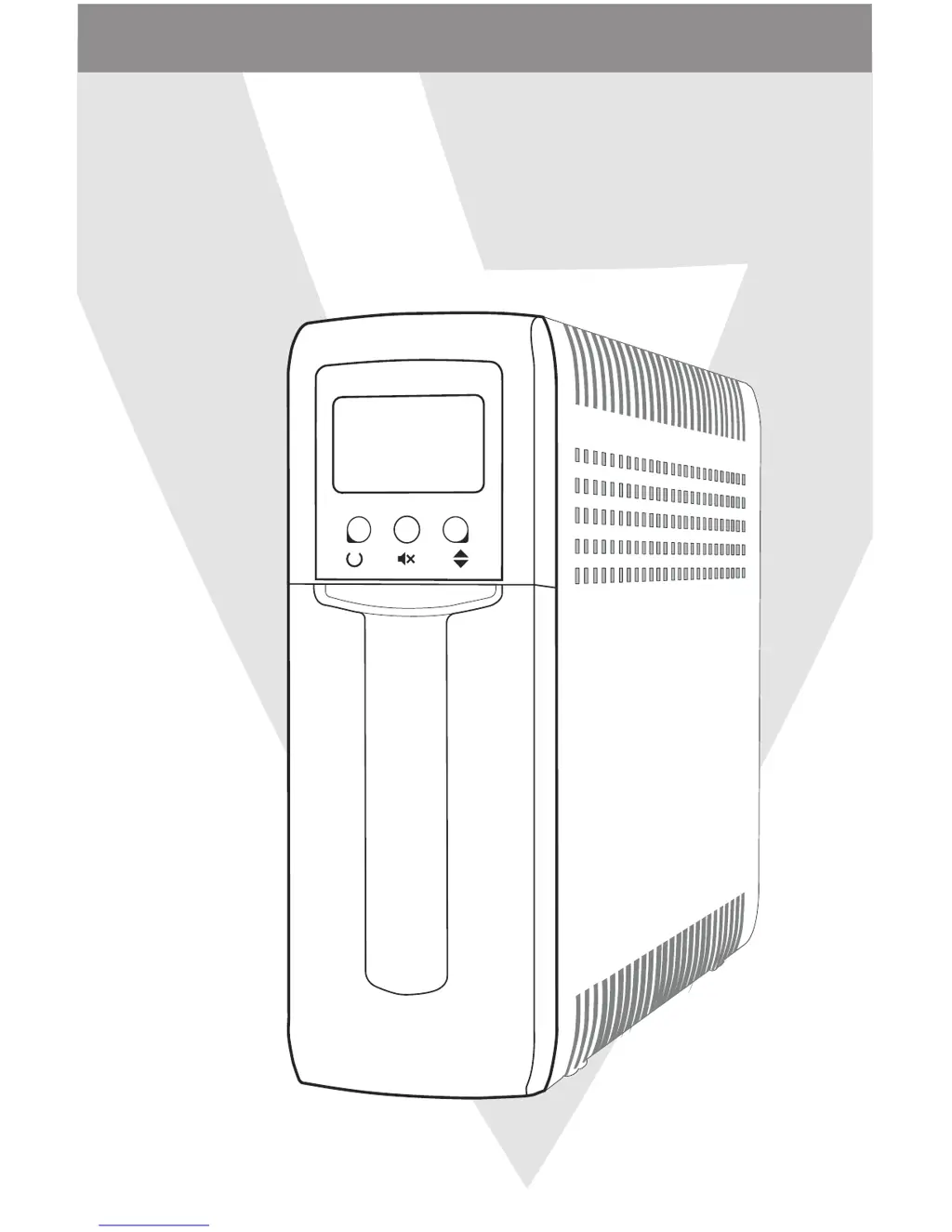
Product Components Overview

Identify the main parts and ports of the UPS unit.

Operation Display Modes

UPS Power ON

All icons light up for 1 second when the UPS is powered on.

Standby Mode

UPS operates normally on utility power.

AC Mode

UPS operates on utility power with AVR functioning.

Overload in AC Mode

Indicates an overload condition while the UPS is on utility power.

Battery Mode

UPS operates on battery power during a power outage.

Overload in Battery Mode

Indicates an overload condition while the UPS is on battery power.

Troubleshooting and Specifications

Fault Code Table

Lists common fault conditions, their LCD codes, and solutions.

Troubleshooting Common Issues

Addresses problems like no display, continuous beeping, or short backup time.

Technical Specifications

Details capacity, voltage, waveform, dimensions, and other technical data.

Safety Information and Precautions

Electrical Safety Warnings

Caution regarding electric shock and safe handling of battery circuits.

Battery Handling and Disposal

Precautions for battery replacement, disposal, and handling.

General Usage and Environmental Precautions

Guidelines on installation location, connected equipment, and cooling vents.

V7 UPS1TW1500-1E Specifications

General IconGeneral
ModelV7 UPS1TW1500-1E
TypeLine Interactive
Capacity1500VA / 900W
Output Power900 W
Input Frequency50/60Hz
Output Frequency50/60Hz
Wave TypeSimulated Sine Wave
Battery Recharge Time4 - 6 hours
Battery12V/9Ah
Form FactorTower
Surge ProtectionYes
Cold StartYes
Warranty2 years
Output Voltage230 VAC
Battery TypeSealed lead-acid (SLA)
Transfer Time2 - 6 ms
Battery Runtime (full load)5 minutes
Number of Outlets6 x IEC C13

Related product manuals