V200 POSITIONER
www.vacaccessories.com/v200
V200 External options IOM r26
4
2
1
5
3
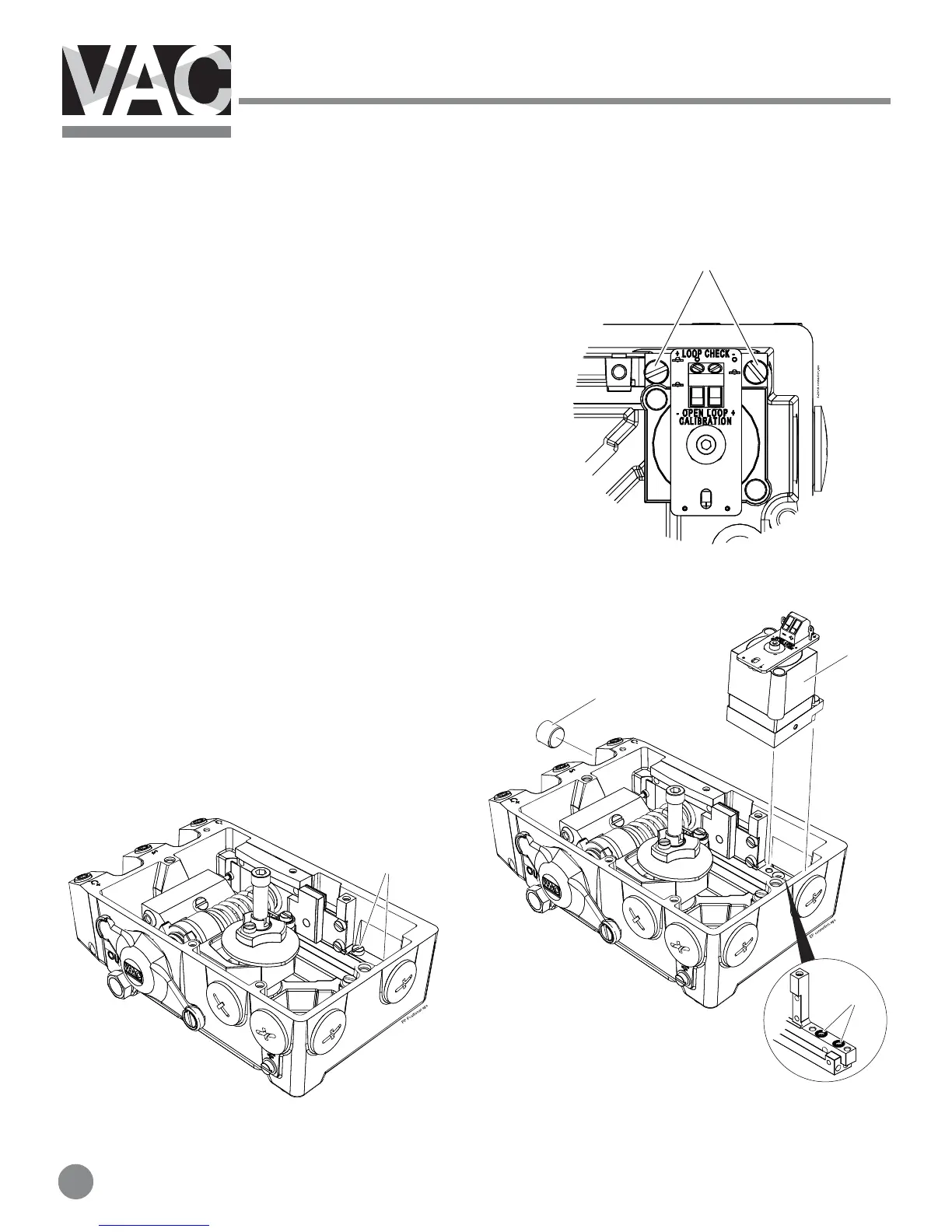
2.2 Installing external IP converter on V200E
(which has the internal IP inside the unit).
1. Loosen the two screws(1) that secure the internal
IP converter(2) and remove the internal IP.
2. Make sure the two O-rings(3) are still in the
positioner housing.
3. Install the pneumatic sealing plate(4) and tighten
the screws.
4. Check that the 1/4”plug(5) is installed in the port
marked I.
5. Continue with the instruction 2.1 (page 5)



 To Next Page