-25-
8. Reinstall the lower plate by aligning tabs on front edge of lower plate with slots
in the nozzle rst, and then press the lower plate into installed position.
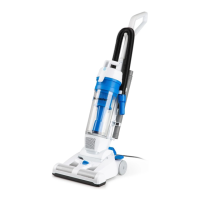
To maintain efcient cleaning, the brush roll must be kept free of carpet ber,
string, or hair build-up. When it is dirty, unplug and turn vacuum cleaner off and
check the brush roll for ber and hair build-up.
Use scissors to remove any build-up entangled around the brush roll.
9. Reinstall ve screws into the lower plate. Do not over-tighten the screws.
Cleaning the Brush Roll
WARNING
Always unplug the power cord from an electrical outlet before performing
maintenance to the vacuum cleaner.








 To Next Page