10
TV output format: click the remote control button to enter
the TV output format settings page.
Press the remote control
key, select the video output
format of driving recorder.
For example:
→
, after setting up and
then press the remote control
button to save the settings.
★TV output format, according to different national systems using
the input format for the TV set, the system is preset to NTSC
(Taiwan TV image is NTSC). When input the image causing TV
screen which appears black and white, beat, we can switch to
PAL TV screen to check returning to normal status.
◆
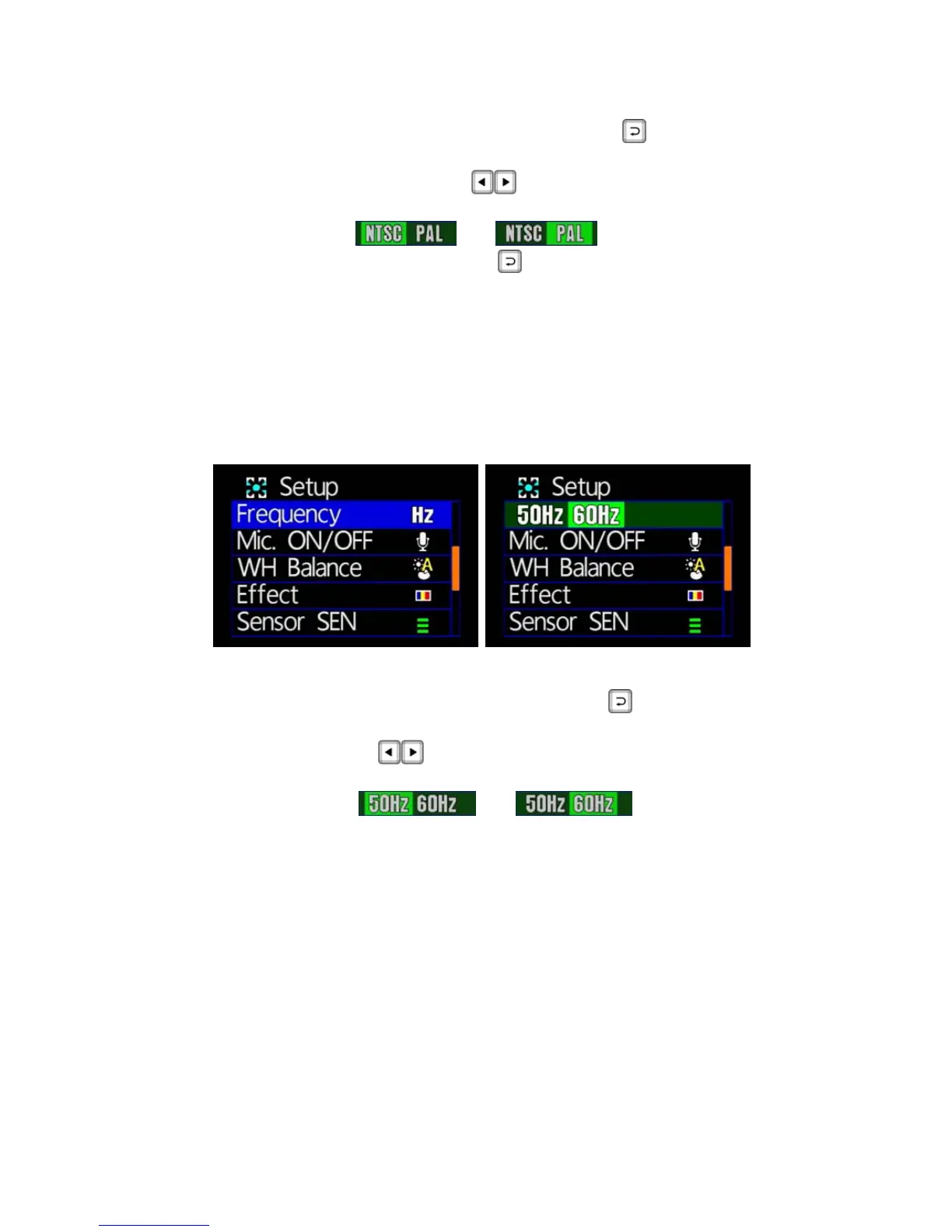
Light Frequency Setting
★ 50Hz/ 60Hz for selecting
Light frequency: press the remote control button, enter the
light frequency page to do the setting.
Remote control
button, can change the light frequency
setting.
For example:
→
, after setting
finished, press the selected remote control key to save the
settings.
★Light frequency: according to different power frequency flicker
and, thus, the wavelength, the wavelength is caused by the
human eye brightness of the most important factor; general, the
higher the frequency of light, the brighter the ambient feel. As the
use of Taiwan's general power frequency 60HZ, 60HZ
recommended to set the frequency for the light source is more
suitable environment in Taiwan.



 To Next Page