11
◆
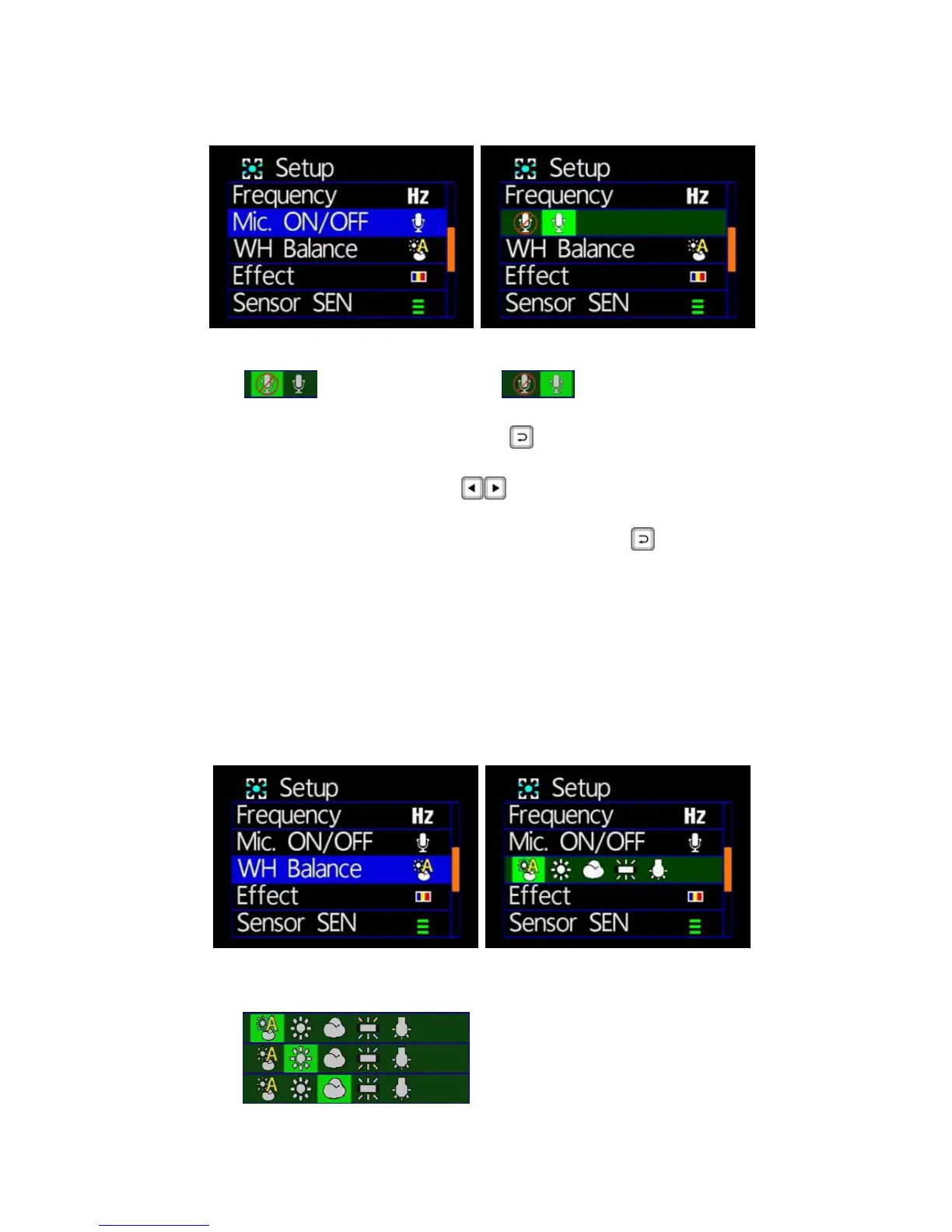
Microphone Switch
★ OFF/ON
: Microphone off : microphone on
Microphone: press the remote
button, into the microphone
switch pages.
Press the remote control
key can be turned on or off the
microphone.
Setup is complete, press the remote control
key to store
settings.
★Microphone to record the sound of inside vehicle information,
if concern about personal privacy information, proposed close
microphone function (off microphone function, converting the
image files to video without sound state).
◆
White Balance
★Five ambient light option for selecting Auto / Daylight /
Cloudy / Fluorescent / incandescent light
: Automatic mode
: Daylight mode
: Cloudy mode



 To Next Page