17
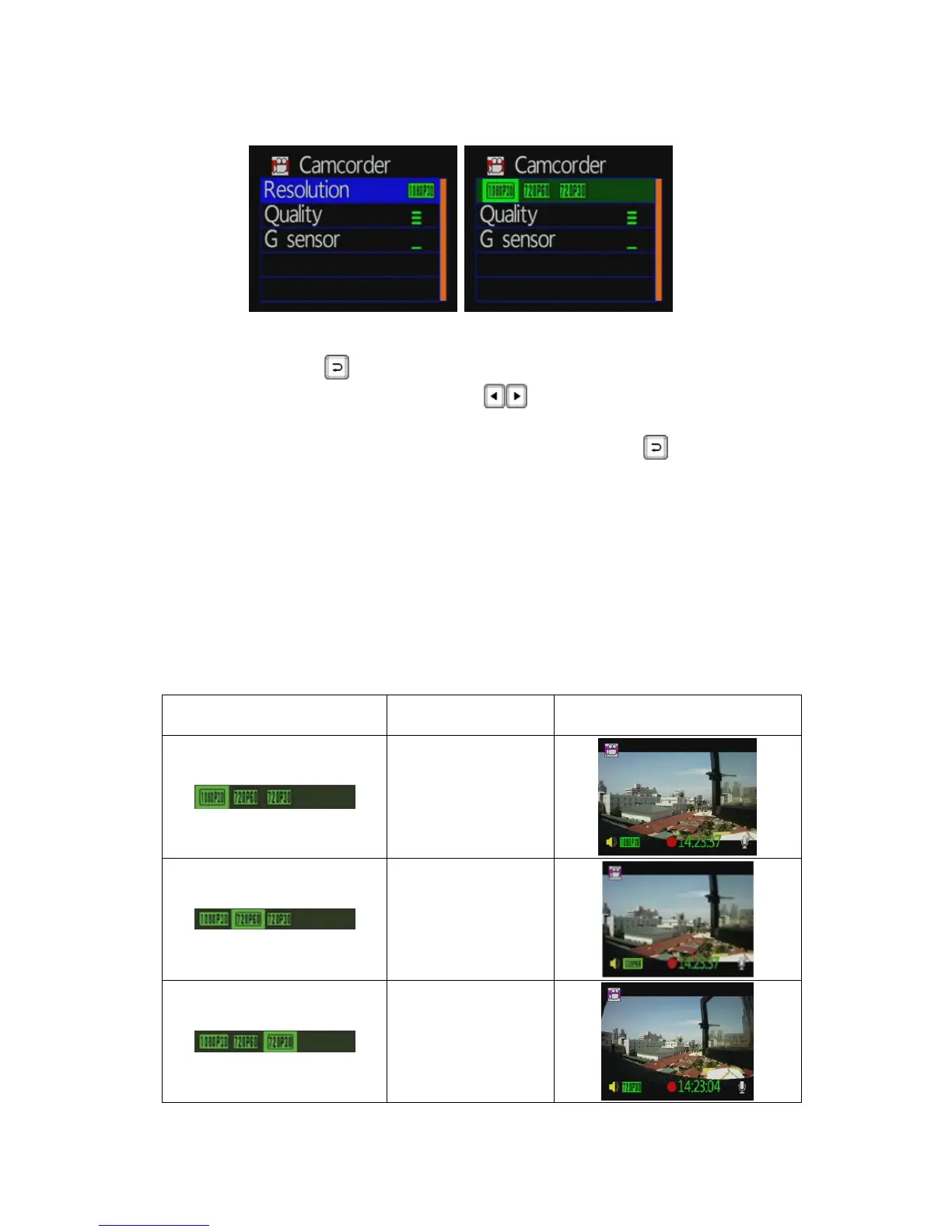
Video Resolution Setting
Camcorder mode settings / image resolution, press remote
controller
button to enter image resolution setting page.
Press the remote controller
key to choose variety of
image resolution.
Setup is complete, press the remote controller
button to
save the settings.
Three video resolution modes for selecting:
1920 * 1080P (30): 1920 * 1080 screen resolution, 30 frames per
second.
1280 * 720P (60): 1280 * 720 screen resolution, 60 frames per
second.
1280 * 720P (30): 1280 * 720 screen resolution, 30 frames per
second.
Icon Description Picture
1920x1080P(30)
1280x720P(60)
1280x720P(30)



 To Next Page