18
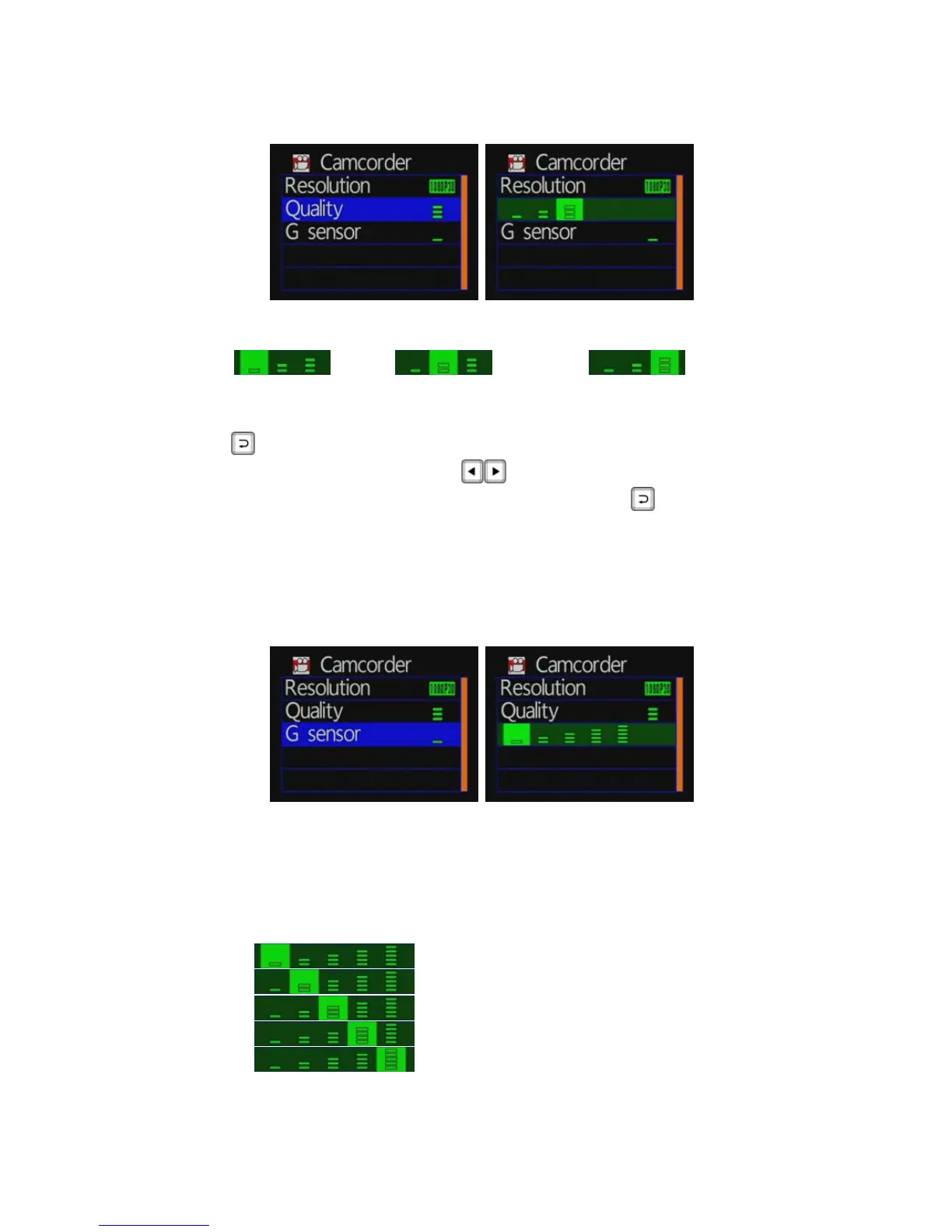
◆ Quality Settings
★ more number of green bars stands for higher quality
: Low
: Normal
: High
Set the camcorder mode / quality: press the remote control
button to enter the quality settings.
Press the remote control
key to select the video quality.
Setup is complete, press the remote control
button to save
the settings.
★Video quality setting higher, the better image quality.
◆
G-sensor Setting
★Caution: You can adjust the G-sensor sensitivity level
(more number of green bars stands for higher sensitivity)
★When emergency record is triggered, it will keep around 3
minutes emergency recording and keep the files without
being overwritten
: Very low
: Low
: Normal
: High
: Very high



 To Next Page