19
Camcorder mode settings / G-sensor: press the remote
controller
button to enter the G-sensor settings.
Press the remote controller button to select the
sensitivity of G-sensor.
Setup is complete, press the
button to save the settings.
★Note: the higher the sensitivity on behalf of gravity (G) the more
sensitive the sensor, the more likely trigger mandatory recording;
every trigger mandatory recording, before and after the accident will
force to save 3 minute video and not be covered (when G-sensor
trigger recording, all the lights will become darker).
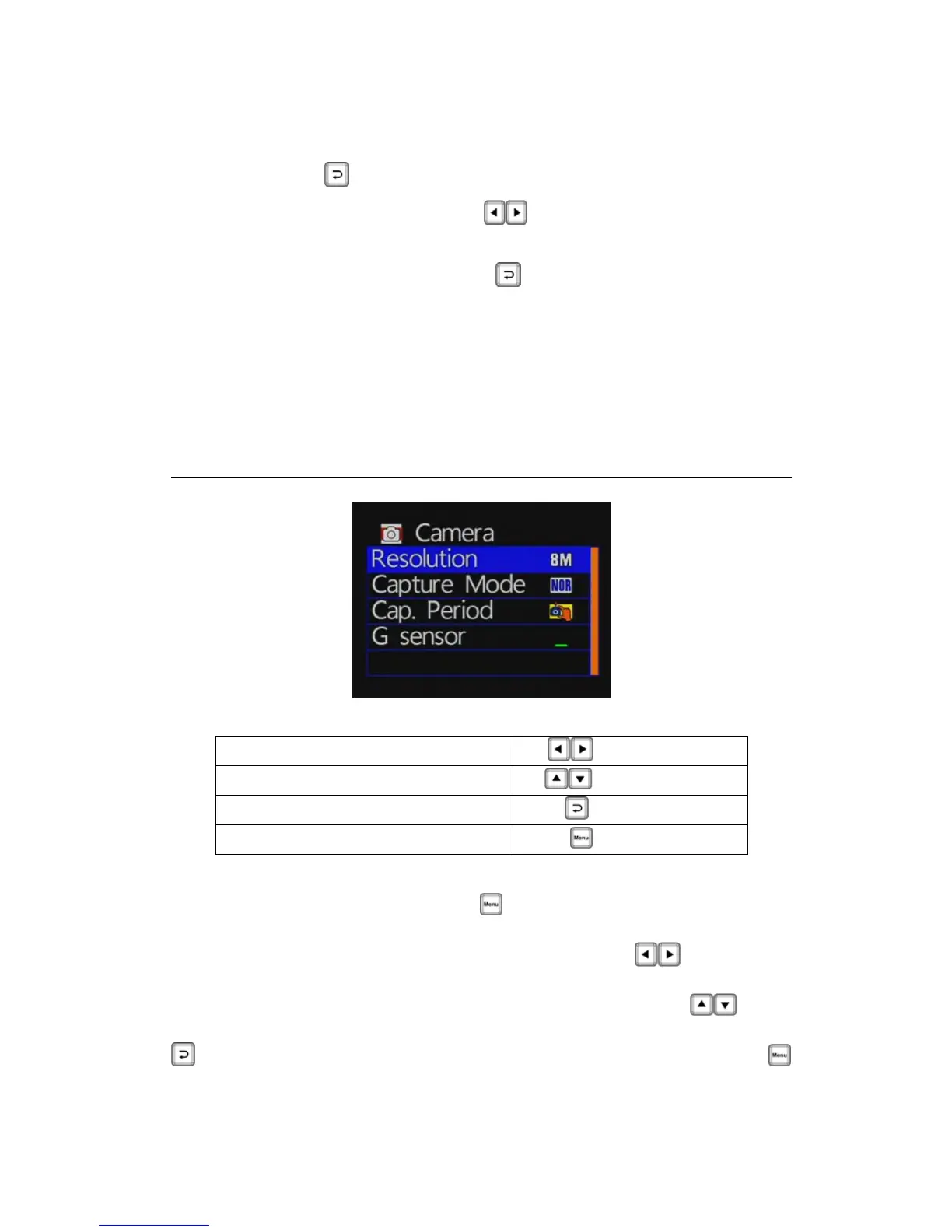
Camera Mode Setting
Remote control keys description
Moving menu options
[Up/Down Key]
Selecting items
[Left/Right Key]
Selected the item, confirm setting
[Confirm key]
Enter index, back to previous menu
[MENU key]
Set the camera mode: press the button on the remote control to
enter the camera settings page.
To set directory on the main page, press the select
buttonon
the remote control to select the camera or photograph; Into the
camera mode of the main page, press the remote control
key
selected to choose the Settings page and press the remote control
to enter the setting page; to leave the settings page, press the



 To Next Page