20
button on the remote control, you can leave and return to the camera
or main setting page.
★Camera mode is total one page; Click Settings page to more detail
settings (the detailed settings, see the setting instructions on the
settings page).
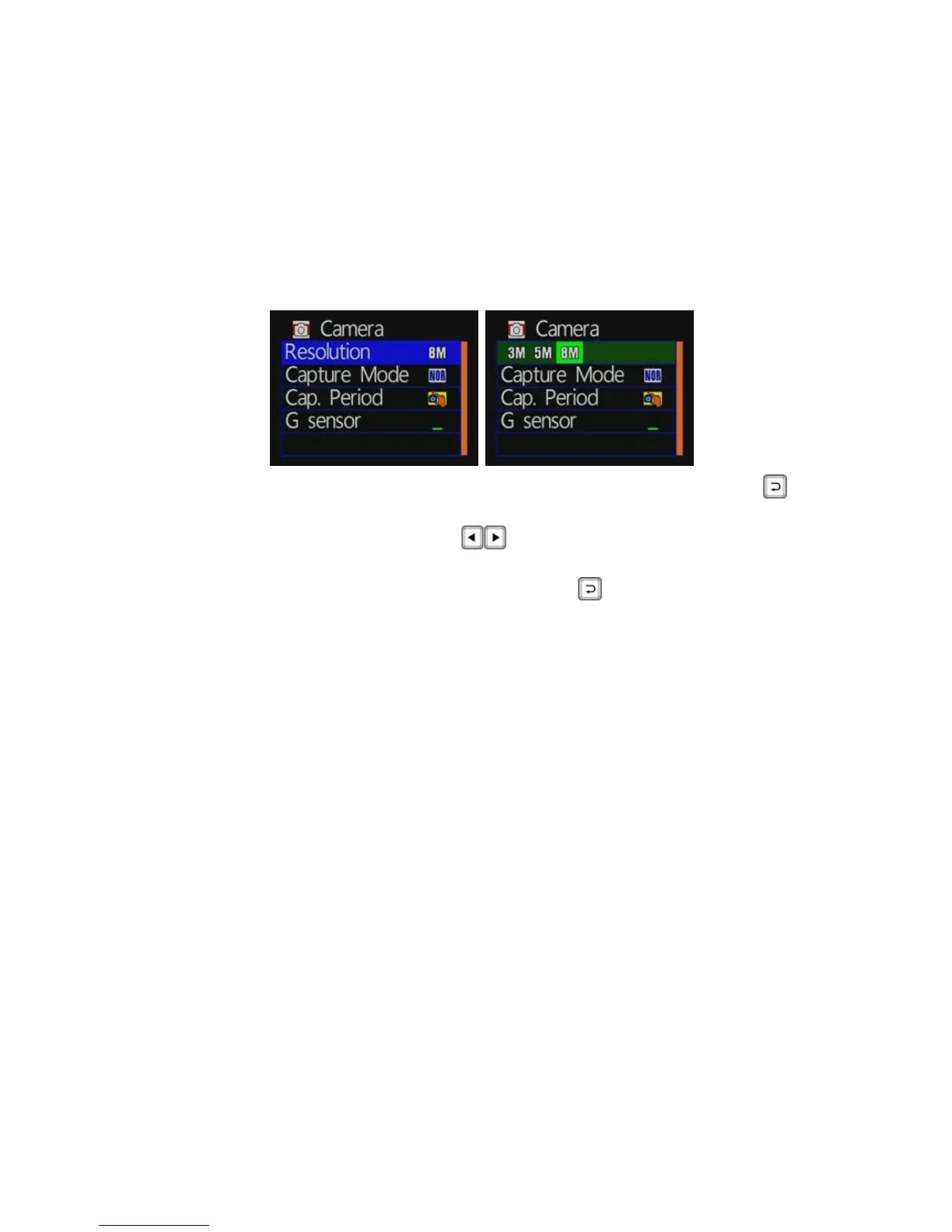
◆ Image resolution setting:
Camera mode / image resolution: press the remote control
button to enter the setting page of image resolution.
Press the remote control
button to select different
image resolution.
After setting, press the remote control
key, to store
settings.
★There are three image resolution modes selectable:
8M: 3200 * 2400 screen resolution, picture quality is 800
million pixels.
5M: 2592 * 1944 screen resolution, picture quality is 500
million pixels.
3M: 2048 * 1536 screen resolution, picture quality is 300
million pixels.



 To Next Page