21
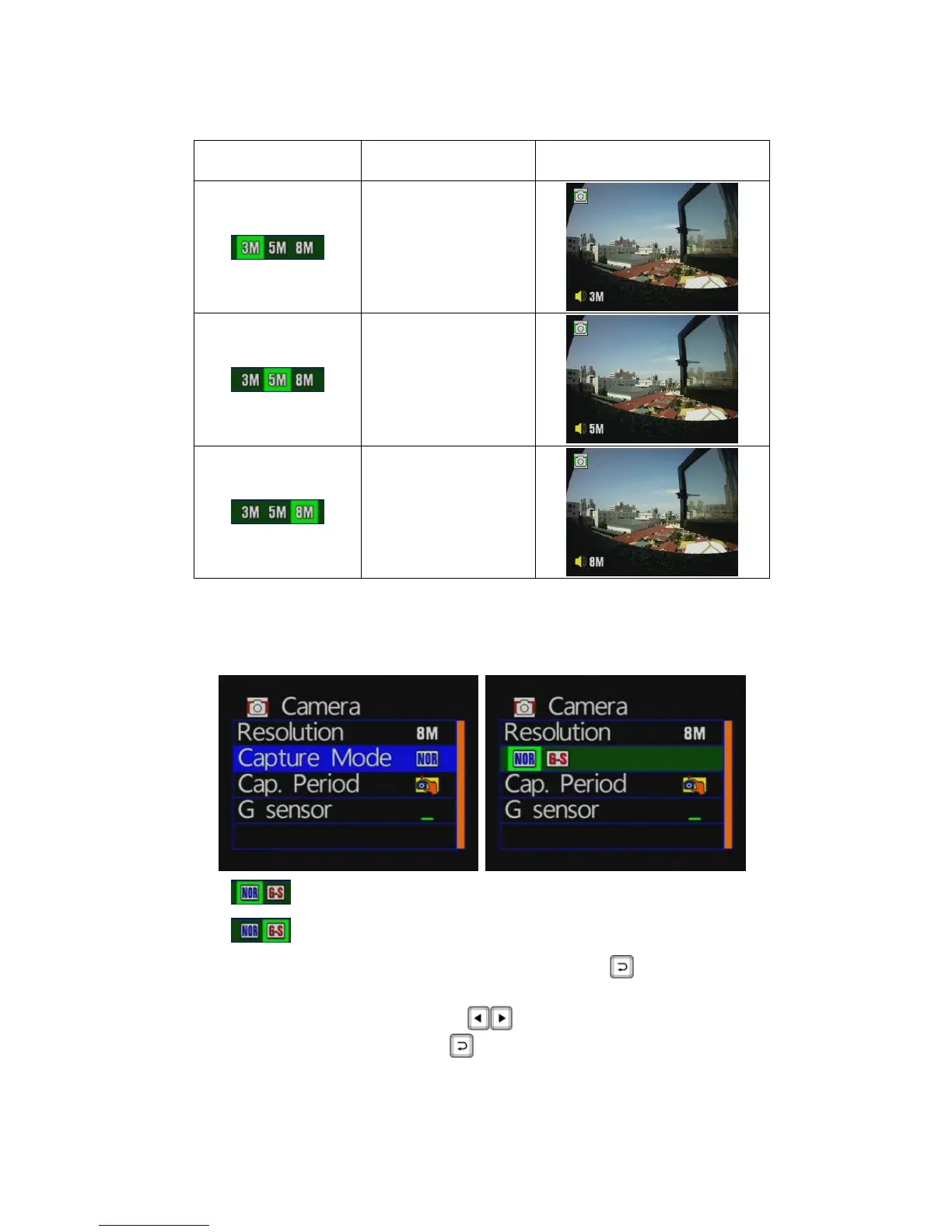
Icon Description Picture
3M: 300 million
pixels
5M: 500 million
pixels
8M: 800 million
pixels
★When the higher image resolution, the greater the amount of data stored in
the file.
◆ Capture mode setting
NOR: Normal mode
G-S: G-Sensor mode with three pictures once
Camera mode / capture mode: press the button to enter
the capture mode setting page.
Press the remote control
keyto select the capture mode.
After setting, press the
button to save the settings.



 To Next Page