EasyManua.ls Logo

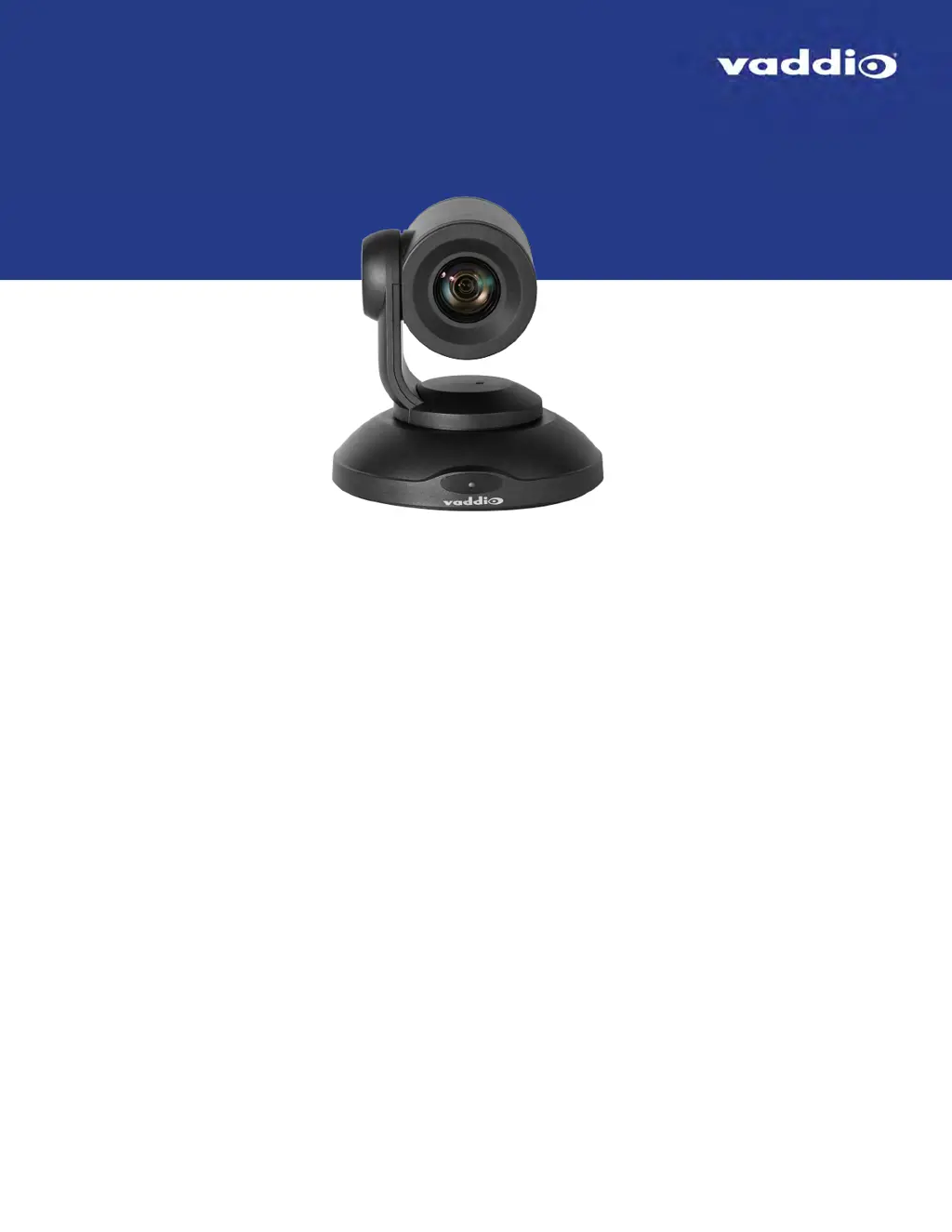
VADDIO PrimeSHOT 20 HDMI - User Manual

VADDIO PrimeSHOT 20 HDMI
70 pages
Print Icon
To Next Page IconTo Next Page
Loading...
Complete Manual for the
PrimeSHOT 20 HDMI
PTZ Camera
Document 411-0022-30 Rev B
July 2018

Table of Contents

Other manuals for VADDIO PrimeSHOT 20 HDMI

Questions and Answers

  • J
    Jennifer PollardAug 8, 2025
    What to do if VADDIO PrimeSHOT 20 HDMI has no light and video?
    • K
      Kimberly MathewsAug 9, 2025
      If the light on the front of your VADDIO Security Camera is off and no video is available, several issues could be the cause: * A cable might be faulty. Check the cables using known good ones. * The wall outlet may not be active. Test the outlet with another device. * The camera or its power supply could be defective. In this case, contact your reseller or Vaddio Technical Support.
  • J
    jill13Aug 13, 2025
    How to fix VADDIO PrimeSHOT 20 HDMI Security Camera not responding to RS-232 commands?
    • E
      Eric FitzgeraldAug 13, 2025
      If the web UI for your VADDIO Security Camera is available but the camera isn't responding to commands via RS-232, the RS-232 cable might be disconnected or faulty. Ensure it's properly connected and try a known good cable. Also, verify that the camera's RS-232 settings match those on the controlling device. You can view the camera's baud rate on the System page in the web UI, but you can't change it there.
  • A
    anita57Aug 19, 2025
    What to do if VADDIO PrimeSHOT 20 HDMI Security Camera responds to the remote but web interface is unavailable?
    • J
      Joseph ThompsonAug 19, 2025
      If your VADDIO Security Camera responds to the remote but the web interface is unavailable, the camera may not be using the IP address you are browsing to. Press the Data Screen button on the remote to display camera information.
  • L
    Lisa EspinozaAug 25, 2025
    What to do if VADDIO PrimeSHOT 20 HDMI Security Camera is not responding and the light is yellow?
    • D
      David BoydAug 25, 2025
      If your VADDIO Security Camera is not responding to the remote and the light is yellow, a firmware update is likely in progress. Wait a few minutes and try again when the light turns blue.
  • T
    tracey01Aug 29, 2025
    How to turn on the status light on VADDIO PrimeSHOT 20 HDMI Security Camera?
    • M
      Melissa RubioAug 29, 2025
      If the light on the front of your VADDIO Security Camera is off but the web interface and video are available, the status light may be turned off. You can turn it back on using the LED soft DIP switch on the System page, or using the Telnet command camera led on.
  • T
    Terri LeonardSep 3, 2025
    Why VADDIO Security Camera loses settings when power is cycled?
    • K
      Keith DixonSep 3, 2025
      If your VADDIO Security Camera loses all its settings when power is cycled, the rotary switch might be in the D position. Verify this on the DIP Switches tab of the System page and set the rotary switch to a valid video resolution. Consult the Video Resolution Settings for more information.

VADDIO PrimeSHOT 20 HDMI Specifications

General IconGeneral
BrandVADDIO
ModelPrimeSHOT 20 HDMI
CategorySecurity Camera
LanguageEnglish

Related product manuals