Start-up/decommissioning
Installation instructions for the electronicVED exclusive electric instantaneous water heater 0020176440_00 17
5
to search Base
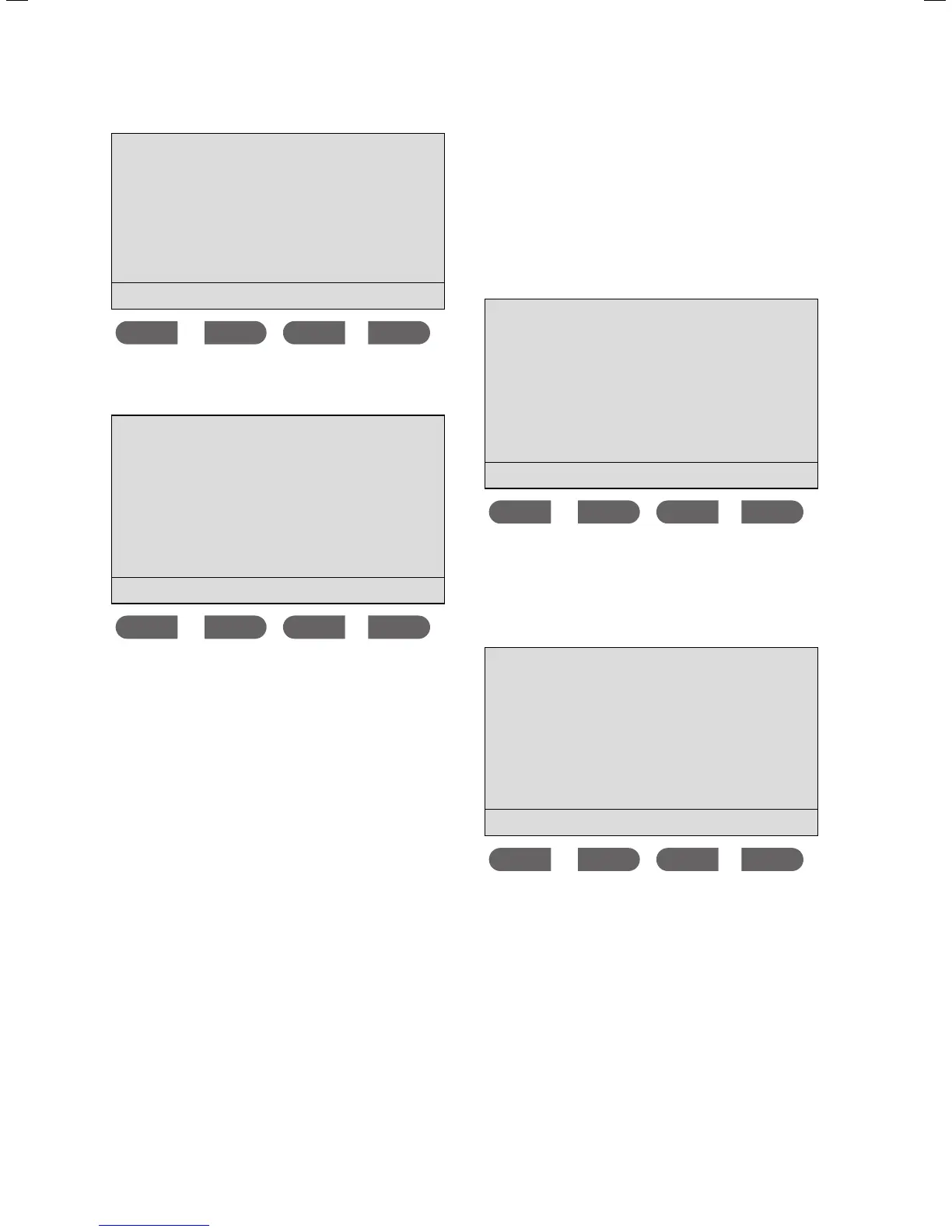
Press [Ping]
Start sleep
> Press the Start button on the remote control.
The following message is shown on the display:
RRC:
4F 19 C9 00
Request to connect
Do you accept it?
Yes No
> Press the Yes button on the VED to confirm the connec-
tion between the remote control and the VED.
> Press the
Yes button on the remote control.
The message on both displays (VED and remote control)
switches automatically to the temperature display. In the
process, the remote control first adopts the VED's settings.
From this point onwards, every setting for the unit can be
altered both in the VED's display and via the remote control.
5.3.4 Disconnecting the remote control
Disconnect the remote control from the VED at the VED.
You are in the installer menu. The cursor is next to the
Appliance data menu point.
> Press the button.
The cursor is next to the
Remote control menu point.
> Press the
ok button.
Remote control
disconnect
No. 1 conn.
No. 2 conn.
No. 3
No. 4
ok
> To disconnect a remote control from the VED, set the
cursor to the remote control that you want to disconnect
(remote control
no. 2 in the example).
> Press the
ok button. The remote control's connection ID
is displayed.
RRC ID:
E8 24 F2 4C
Start sleep
> Press the sleep button
The connection ID is deleted. The remote control is no
longer connected to the VED. Section 5.3.3 describes how
the remote control is connected to the VED.
> Press the
button to return to the Connect Remote
control
menu.



 To Next Page