User's Guide ______________________________________________________________________
54 __________________________________________________________________ M211060EN-C
Repair Maintenance
Changing the INTERCAP® Sensor
(HMP60)
This procedure restores the humidity measurement accuracy of the
HMP60. No adjustment after the sensor change is needed.
To perform this procedure, you need a new INTERCAP® sensor. It is
also recommended that you replace the filter with a new one. For order
codes, see section Options and Accessories on page 62.
1. Rem
ove the filter from the probe by turning it counter-clockwise.
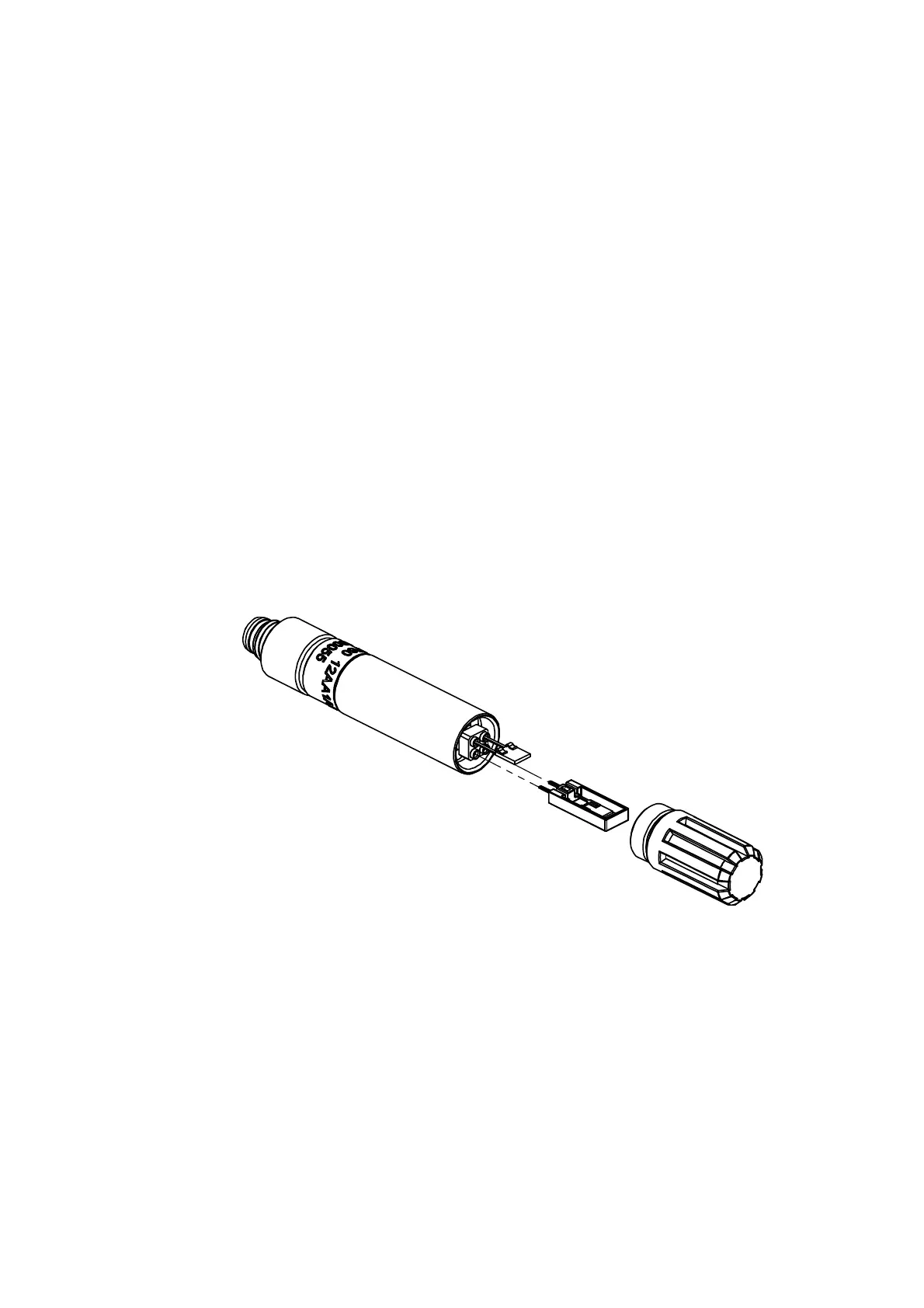
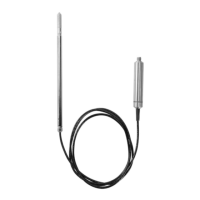
2. Pull out the old INTERCAP® sensor (the taller of the two sensors
inside the probe) and insert a new one. Refer to Figure 17 on
page 54. Handle the new sensor by the plastic frame. DO NOT
TOUC
H THE SENSOR PLATE.
3. Attach a new filter on the probe.
0912-097
Figure 17 Changing the Sensor






 To Next Page