EasyManua.ls Logo

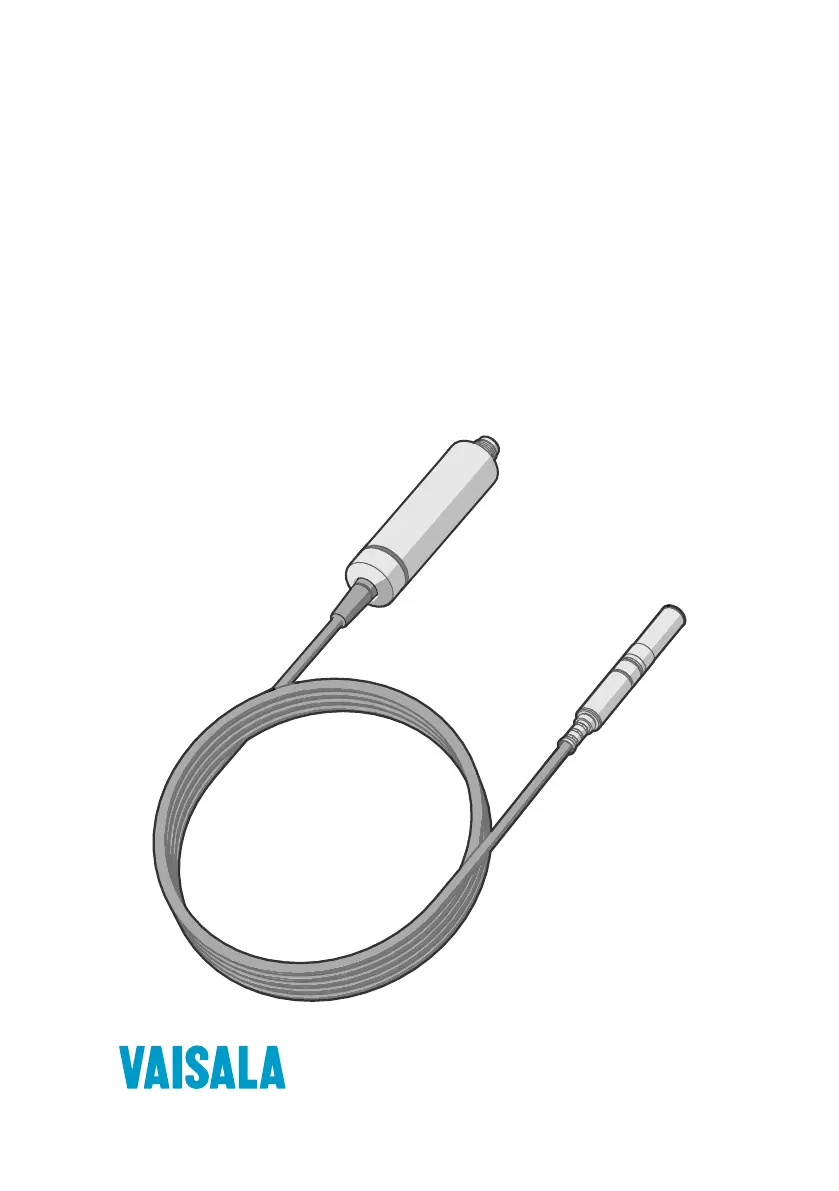
Vaisala HMP4 - User Manual

Vaisala HMP4
118 pages
Print Icon
To Next Page IconTo Next Page
Loading...
M212022EN-F
User Guide
Vaisala Indigo compatible
humidity and temperature probes
HMP Series with MMP8 and TMP1

Table of Contents

Other manuals for Vaisala HMP4

Questions and Answers

  • W
    woodmatthewAug 10, 2025
    Why Vaisala HMP4 measurement output seems incorrect?
    • A
      Alex ChavezAug 10, 2025
      Incorrect measurement output from your Vaisala Test Equipment can occur if the installation location doesn't accurately represent the conditions you're trying to measure. In this case, verify the installation location and relocate the probe if needed. Also, heat conduction along the probe head and cable might interfere with measurement accuracy. Finally, the probe may need calibration; in this case calibrate and adjust the probe.
  • J
    James OliverAug 15, 2025
    What to do if values of measurement parameters stop changing for a few minutes in Vaisala Test Equipment?
    • C
      Caitlin Harper MDAug 15, 2025
      If the measurement parameters in your Vaisala Test Equipment stop changing for a few minutes, it might be because the probe is performing a sensor heating function, such as chemical purge, or waiting for the sensor to cool down. In this case, wait for the function to complete, and the measurement parameters should become available again.
  • A
    arthurvargasAug 20, 2025
    What does it mean if probe status indicator LED is red in Vaisala Test Equipment?
    • K
      katie41Aug 20, 2025
      If the probe status indicator LED on your Vaisala Test Equipment is red, it indicates that the probe is in an error state. To determine the specific error, connect the probe to Insight software or an Indigo transmitter and read the error message(s).
  • W
    wilsongeorgeAug 26, 2025
    How to understand that Vaisala Test Equipment is working if the probe status indicator LED is off even though power is on?
    • M
      Matthew NguyenAug 26, 2025
      If the probe status indicator LED is off on your Vaisala Test Equipment, even when the power is on, and if the probe model is HMP1, this is normal behavior. To prevent the warming of the indicator LED from causing a slight measurement error, HMP1 keeps the indicator normally off unless the probe is in an error state, in which case the red LED will be shown.
  • L
    Lee BryantAug 30, 2025
    Why does the measurement output seem incorrect on my Vaisala Measuring Instruments?
    • A
      Anna AllenAug 30, 2025
      If the measurement output of your Vaisala Measuring Instruments seems incorrect, first check the installation location. It might not be representative of the actual conditions you want to measure. If needed, relocate the probe. Also, heat conduction along the probe head and cable may interfere with measurement accuracy. Finally, the probe may need calibration and adjustment.
  • A
    Alicia TaylorSep 4, 2025
    What to do if values of measurement parameters stop changing for a few minutes on Vaisala Measuring Instruments?
    • N
      Nicole BeckerSep 5, 2025
      If the values of measurement parameters stop changing for a few minutes on your Vaisala Measuring Instruments, it might be because the probe is performing a sensor heating function, such as chemical purge, or waiting for the sensor to cool down. Wait for the function to complete, and the measurement parameters should become available again.

Vaisala HMP4 Specifications

General IconGeneral
BrandVaisala
ModelHMP4
CategoryTest Equipment
LanguageEnglish

Related product manuals