13
Indicator lights
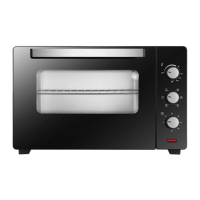
When the oven is turned on, two lights - a red light and an orange light - come on. The
orange light indicates that the oven is on. The red light turns off when the oven has reached
the selected temperature. If the recipe states that the dish must be placed in a preheated
oven, wait until the red light switches off for the first time. During cooking, the light will
regularly switch on and off (keeping the oven temperature constant). The orange light also
turns on when you select the "oven light" function.
Using the grill
Dishes are grilled by infrared rays emitted by the grill's incandescent heating element. To
switch on the grill, you need to:
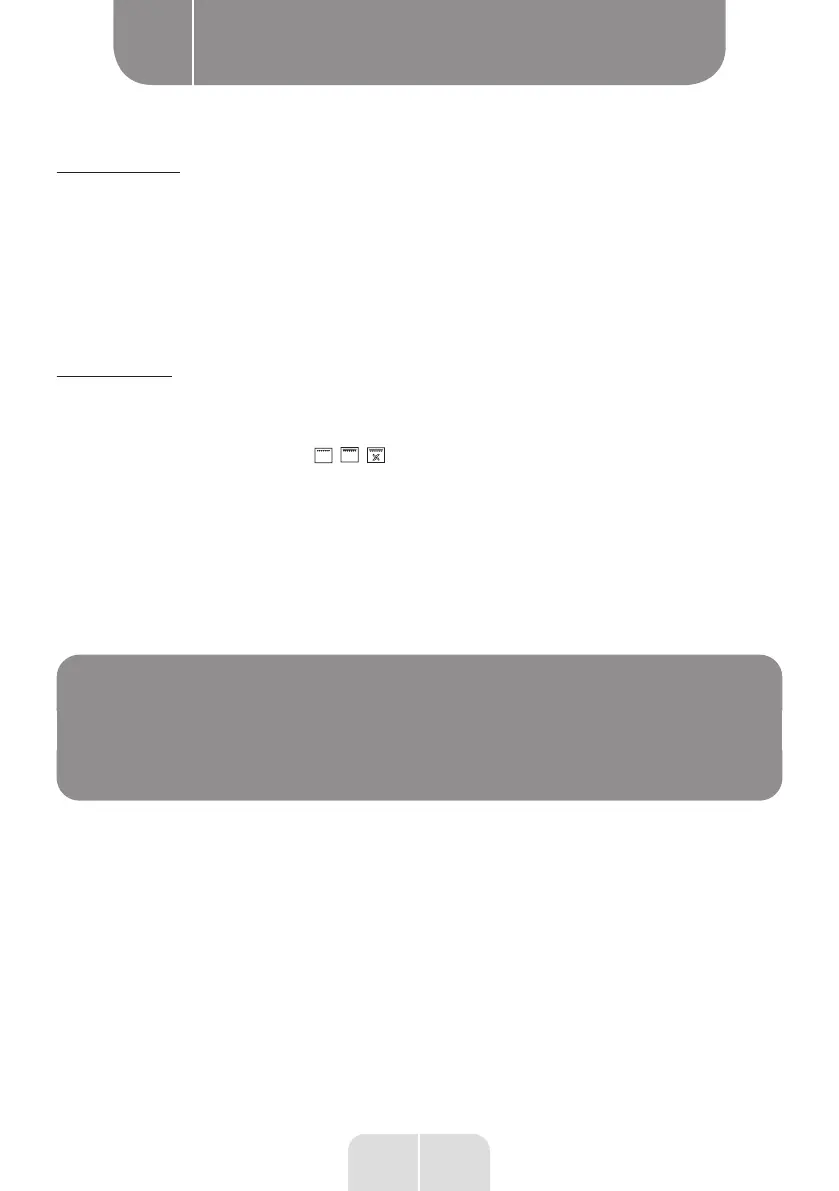
• turn the knob to the position ,
• Heat the oven for approximately 5 minutes (oven door closed),
•
Insert the drip pan with your dish at the appropriate level. If you are using the rotisserie,
you need to place a drip pan below the rotisserie level to catch the fat,
• Close the oven door.
For the grill and enhanced grill functions we advise you to set your thermostat to 250°C
and, for the super-ventilated grill function to set it to 190°C.
NOTE:
Keep the door closed when using the grill. When using the
grill, the outside of the oven can become extremely hot.
Keep children away from the oven when hot.
B
Using the appliance
EN


 To Next Page