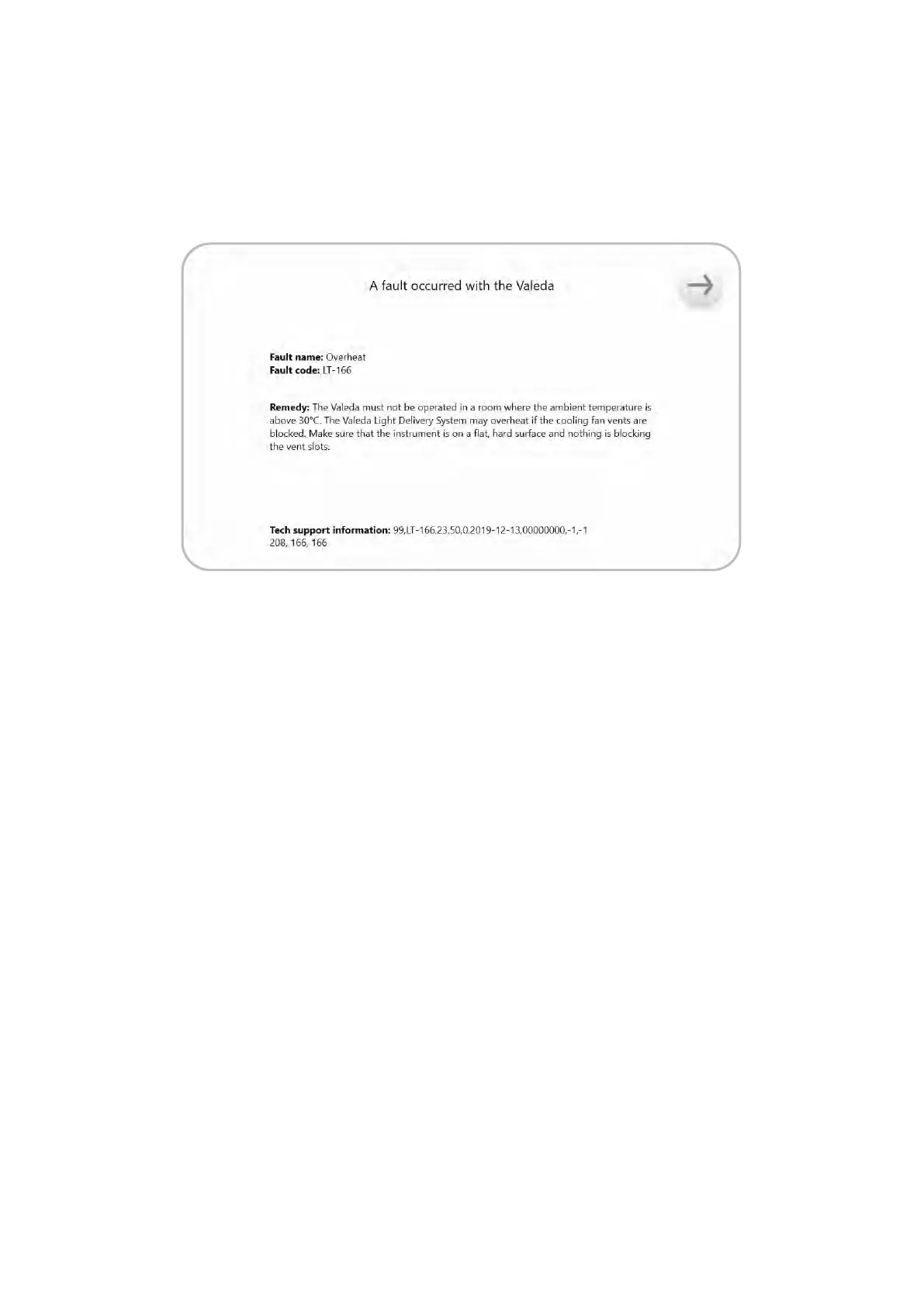
FIGURE 27
15. Troubleshooting
In the event a system fault is detected by Valeda, a fault message will be displayed on the screen.
If possible, the display screen will identify the fault (Figure 27).
For each system fault, peorm the following:
• Record the fault message.
• Rebooting the system may allow a treatment to proceed.
• Contact LumiThera for assistance.
• Report all system issues to LumiThera.
21



 To Next Page
 Loading...