www.vanco1.com
800.626.6445
5
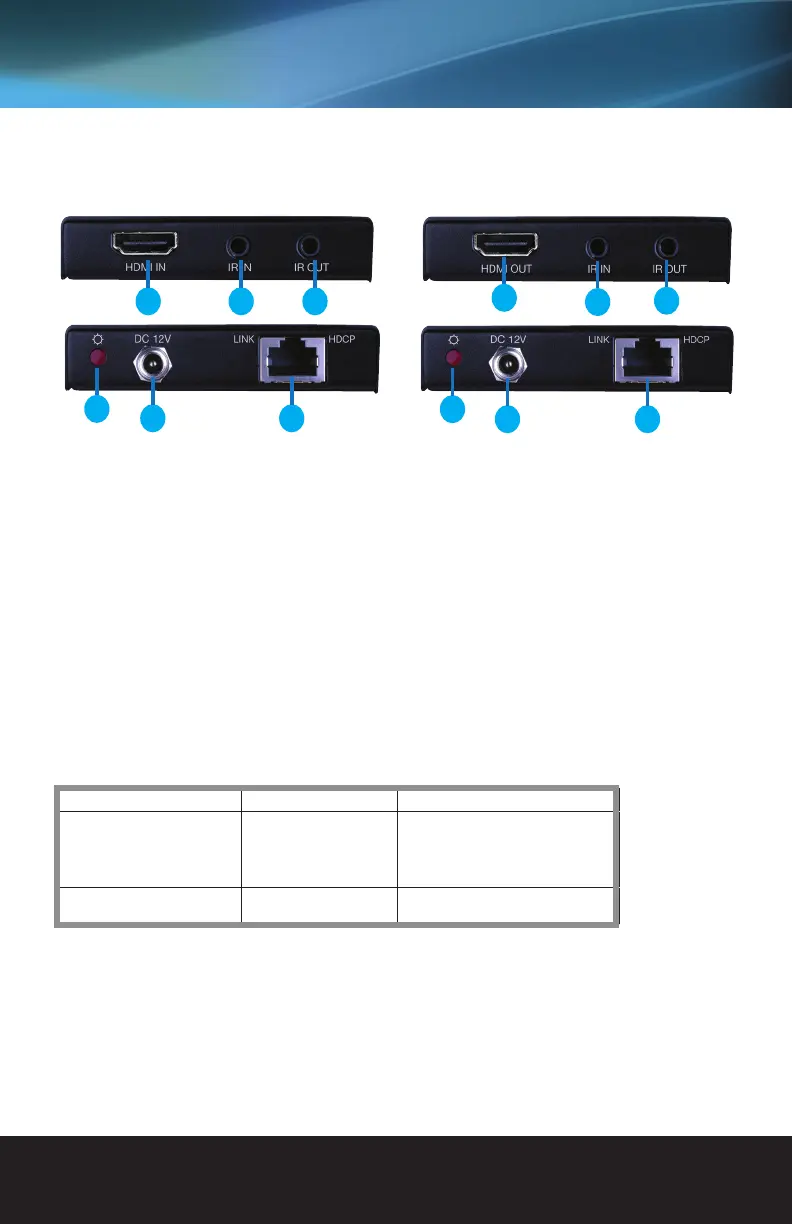
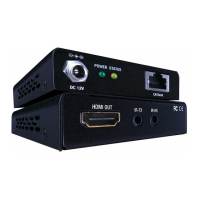
1. HDMI IN: Connect to HDMI source.
2. IR IN: Connect to an IR receiver, the IR signal
received from this port can only send out via
HDBaseT Receiver.
3. IR OUT: Connect with IR emitter, the sent IR
signals are received by HDBaseT Receiver.
4. Power Indicator: illuminate when power up
5. DC 12V: Connect with power supply, energize
both TX and RX (PoC solution) synchronously.
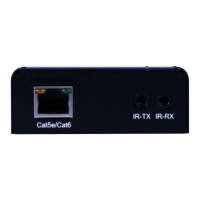
6. HDBaseT OUT: Connect via 568B terminated
CAT5e/ CAT6 cable.
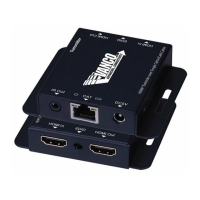
7. HDMI Out: Connect to HDMI display.
8. IR IN: Connect to an IR receiver, the IR signal
received from this port can only send out via
HDBaseT Transmitter.
9. IR OUT: Connect with IR emitter, the sent IR
signals are received by HDBaseT Transmitter.
10. Power Indicator: illuminate when power up
11. DC 12V: Connect with power supply (POC Only 1
power supply needed)
12. HDBaseT IN: Connect via CAT5e/ CAT6 cable.
PANEL DESCRIPTIONS
1 2 3
4
5 6
7
8
9
10
11 12
Transmitting Unit Receiving Unit
Indicator Function Details
Yellow Show input signal connection Connected:
HDCP Compliant: Illuminate;
Not HDCP Compliant: Blink.
Disconnected: Off
Green Indicate linking status of the
transmitter and the receiverio
Connected: Illuminate
Disconnected: Off
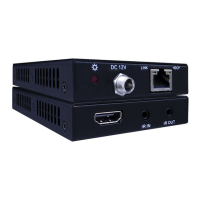
HDBaseT Extender features 2 indicators to show real-time operation information:


 To Next Page