www.vanco1.com
800.626.6445
6
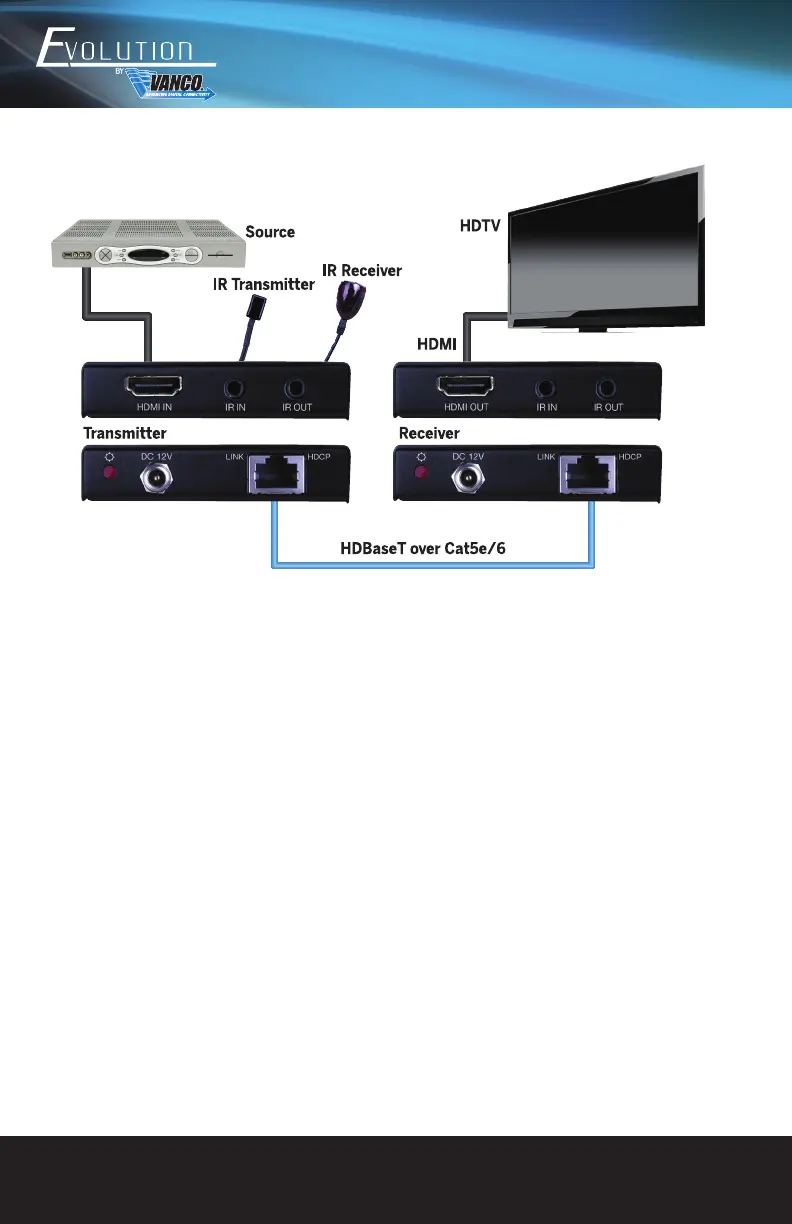
CONNECTION DIAGRAM
CONNECT AND OPERATE
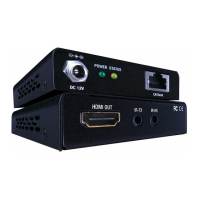
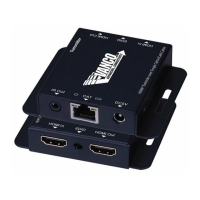
1. Connect HDMI source (such as Blue-ray DVD) to HDMI In port of the transmitter with an HDMI cable.
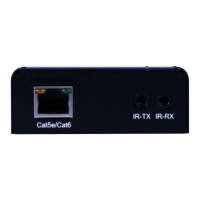
2. Connect HDBaseT OUT port of the transmitter to the HDBaseT IN port of the receiver through a CAT5e/
CAT6 cable.
3. Connect a HDMI display (such as HDTV) to the HDMI Out port of the receiver with HDMI cable.
4. When using the bi-directional IR control, do the following:
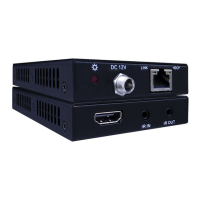
a) Connect the IR emitter at either end to the IR OUT port on either the transmitter or the receiver.
b) When using a powered IR receiver, connect via a 3.5 mm stereo plug to the IR IN on either the
receiver or the transmitter.
5. Connect the DC 12V power adaptor to the power port of either the HDBaseT Transmitter or HDBaseT
Receiver.
USAGE PRECAUTIONS
1. System should be installed in a clean environment and has a prop temperature and humidity.
2. All of the power switches, plugs, sockets and power cords should be insulated and safety.
3. All devices should be connected before power on.
4. The Cat5e/Cat6 terminations for HDBaseT devices should be a straight-thru TIA/EIA T568B standard


 To Next Page