Notes:
l This illustration shows wiring for a normally energised lock. If a normally deenergised lock is
required, use the N/O relay contacts.
l RS485 Network cable is single shielded twisted pair, Belden 9501 or equivalent. Total Length max
1.4km.
l If the Mains Present, Door Contact or BreakGlass inputs are not used, they should be linked to 0V,
or the feature should be disabled in ACT Enterprise software.
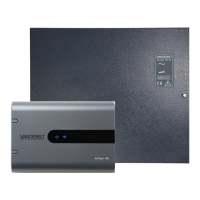
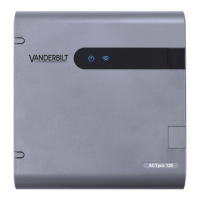
l The Blue Comms OK LED is on while ACTpro-100 is communicating with the controller.
l Red Fault LED illuminates on:
l Tamper
l Comms Offline
l BreakGlass
l Voltage Low
l Current Limiting Fuse (500mA)
2.1.1 DIP switch addressing
Door 1 is on the ACTpro-1500 controller (max. 31 doors).
Door 1 and 2 is on the ACTpro-4000 controller (max. 16 doors).
ACTpro-100 / ACTpro-1002A – Installation and Operating Instructions Installation
© Vanderbilt 2019 7 A-100542-b
15.03.2019


 To Next Page