14
Tip:
To activate screen mirroring function of your MacBook, please follow the below steps:
• Turn on the WiFi switch on your Android device.
Note:
Successful WiFi connection is not a must, but please make sure the WiFi switch on your
Android device is ON.
• Go to Homepage > Input Source, select MULTISCEEN as the input source to
enter the CAST interface.
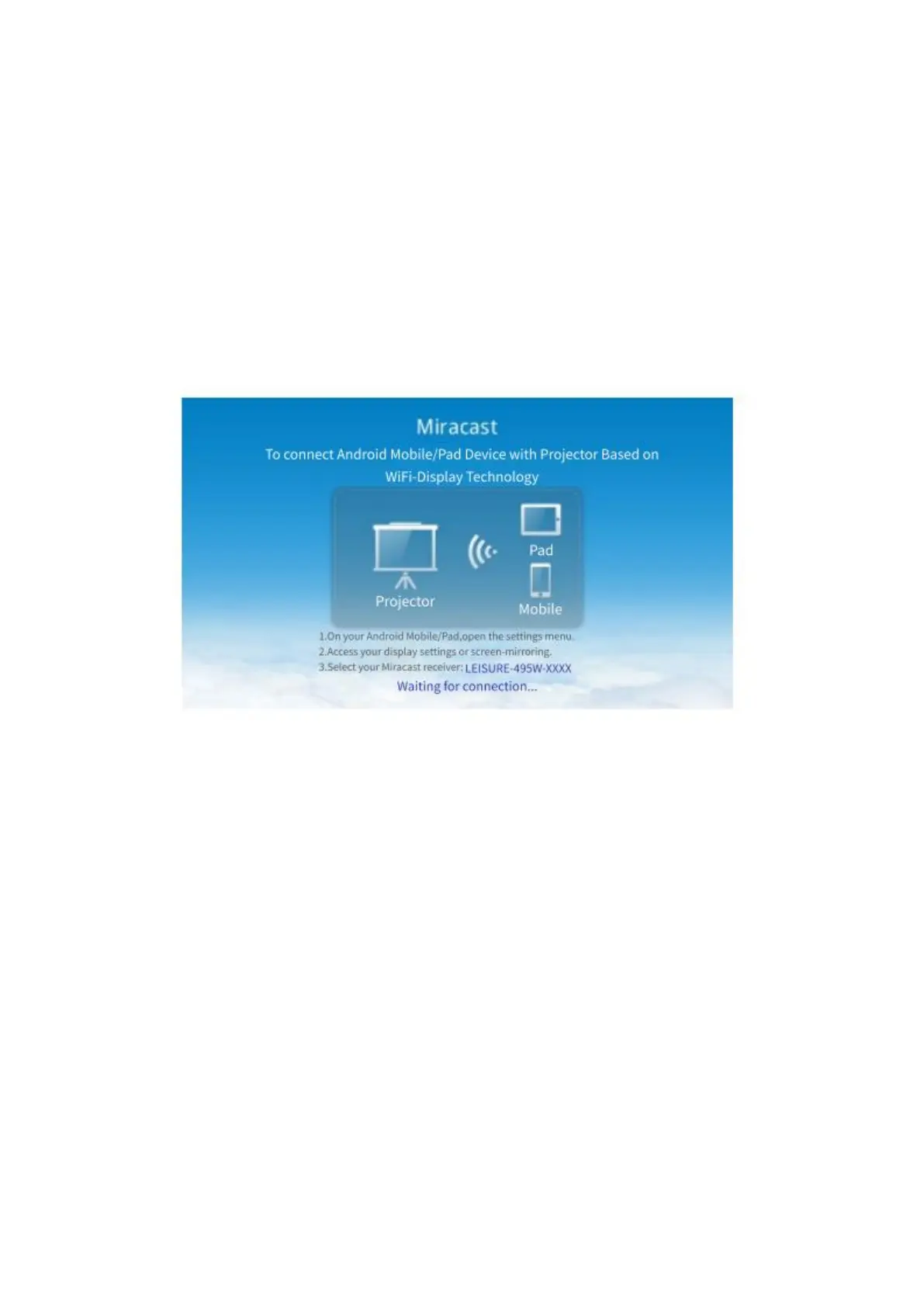
• Select Miracast to enter the following interface.
• Activate Multi-screen function on your Android device and search for the
projector.
• Select LEISURE-495W-XXXX from the searching list to connect.
• The contents on your Android device will be mirrored to the wall/screen after a
successful connection.
For Windows 10 System
To activate this function, your Windows 10 device must support the Miracast feature.
• Turn on the WiFi switch on Windows 10 device.
Note:
Successful WiFi connection is not a must, but please make sure the WiFi switch on your
Windows 10 device.
• Go to Homepage > Input Source, select MULTISCEEN as the input source to
enter the CAST interface.
• Select Windows Cast to enter following interface.













 To Next Page