11
TIPS:
• Once the video is casted to the wall/screen, you can close the app and do other
things without interrupting the video if your iOS device is still connected.
• Always connect your projector to power.
Settings
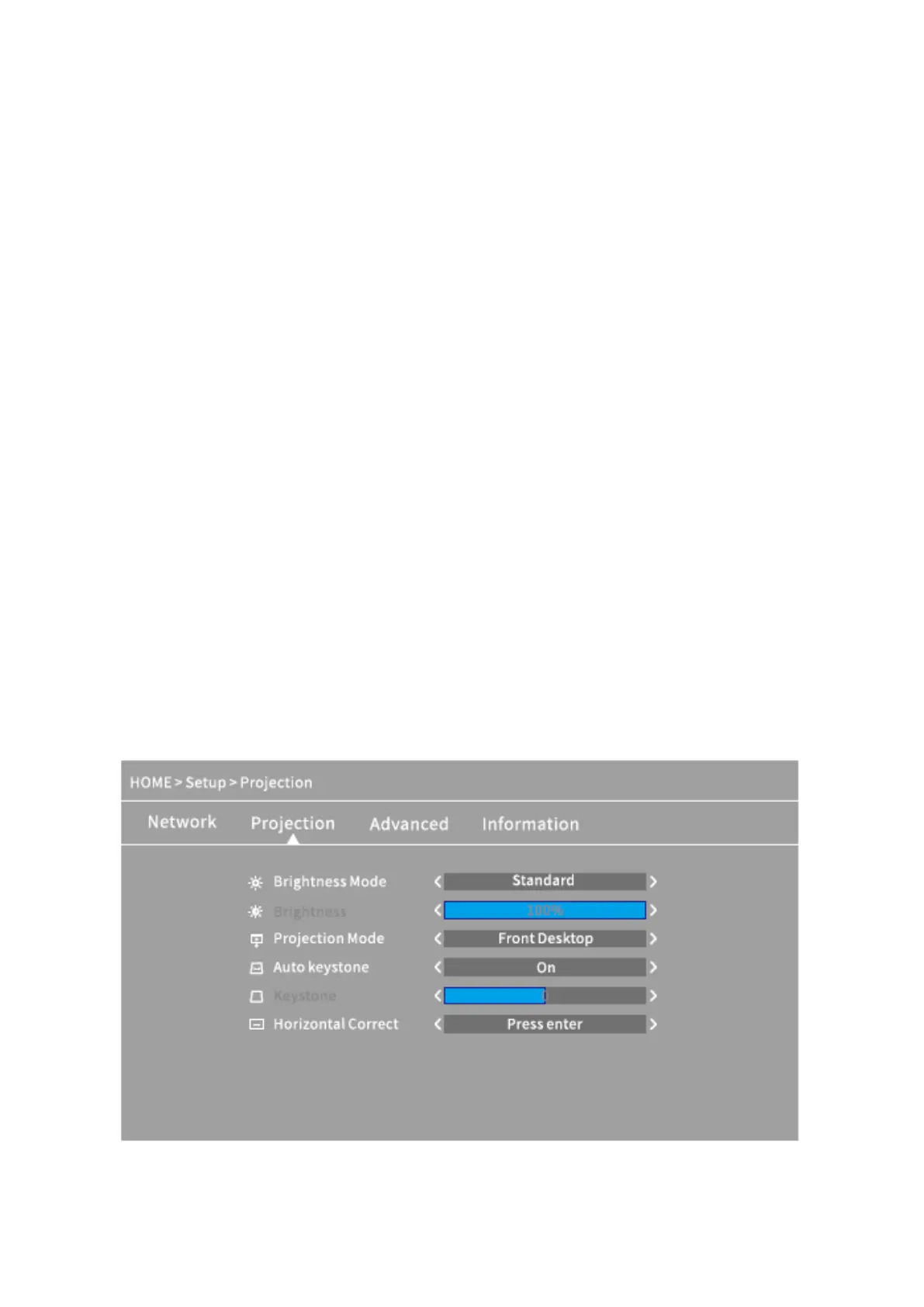
Go to Homepage > Setup to adjust the settings of your projector.
Network
Connect the projector to your WIFI.
Projection
Set up brightness mode, brightness level, projection mode, Keystone configurations etc.
Advanced
Change language, select boot source, set up sleep timer, select iOS Play Mode, update
firmware, make a factory restore, etc.
Information
Check the memory, software version, etc.













 To Next Page