9
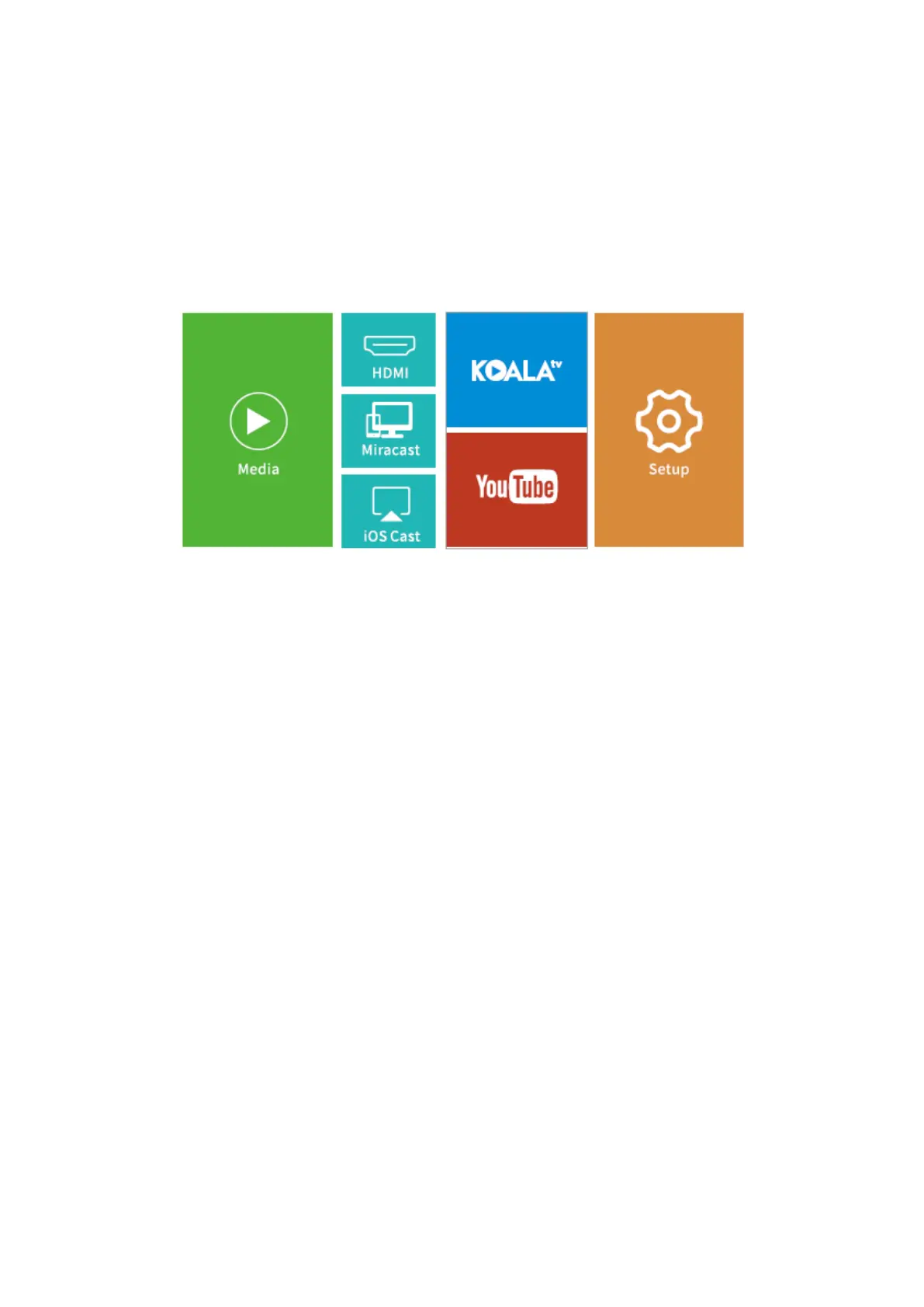
Play Video in KOALA and YouTube
Go to Homepage > KOALA/YouTube to play videos after and projector is connected to
your WIFI.
TIP: Press the Menu button on the remote to get back to the Home Page of
KOALA/YouTube.
Screen mirroring
For iOS System
1. Connect your iOS device and the projector to the same WIFI network.
2. Go to Homepage > iOS Cast to display the following interface.
Make sure that your iOS device is connected to the same network as your projector or
connect iOS device with AP by Projector: Projector AP-xxxx.
a) On your iOS device, open Control Center and tap Screen Mirroring.
b) Looking for device than can be mirrored on.
c) Select ZYCast-xxxx from the list.
3. Swipe your iOS device up, then tap Screen Mirroring/AirPlay Mirroring and search for
the projector.
4. Select ZYCast-xxxx(icast) from the searching list.
5. Your iOS device display will be projected on the wall/screen.













 To Next Page