14
Miracast:
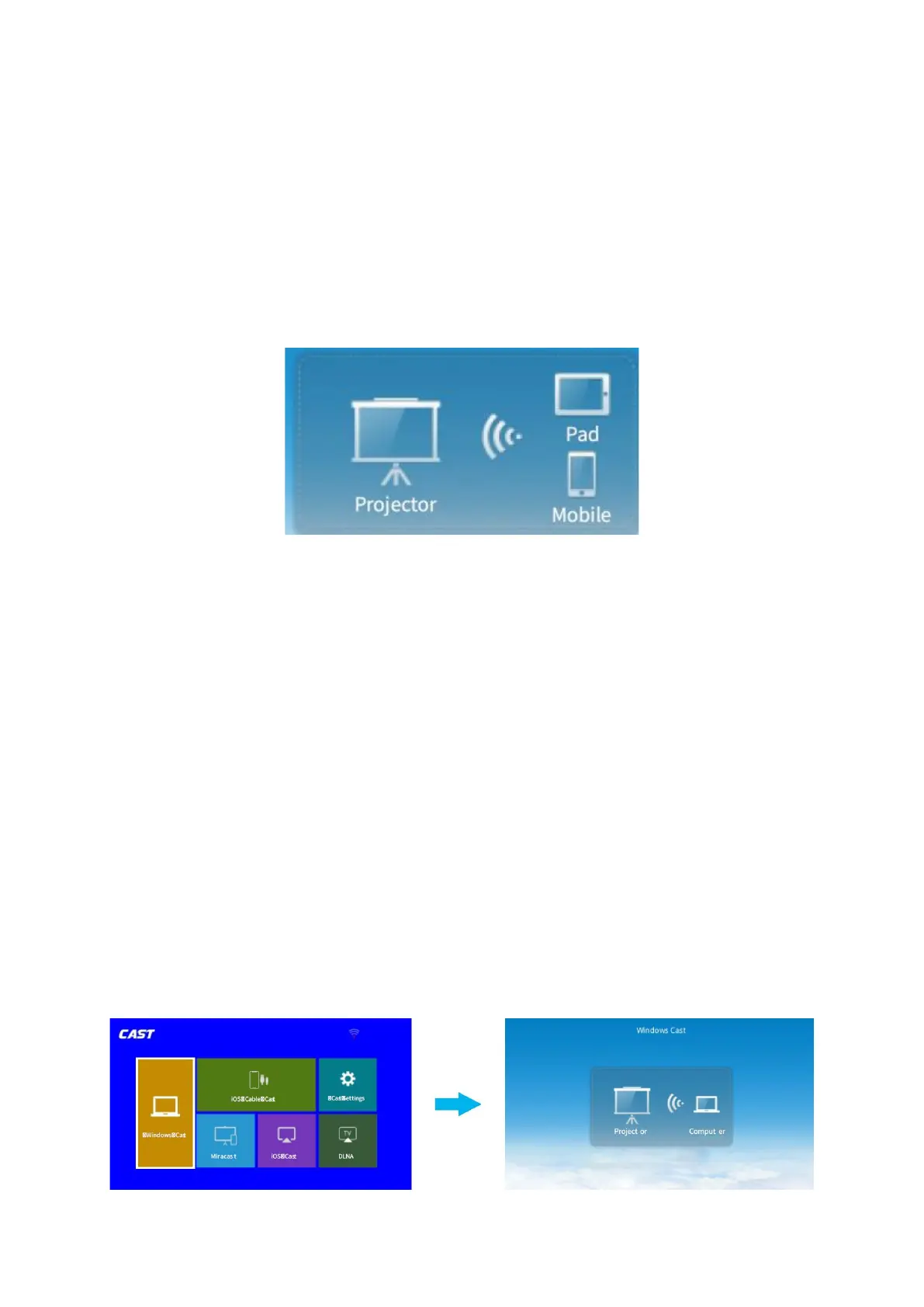
1. To connect Android / Pad Device with Projector Based on Wi-Fi-Display
Technology:
1. On your Android Mobile / Pad, open the settings menu.
2. Access your display settings or screen-mirroring.
3. Select your Miracast receiver NETLINK-XXXX.
4. Wait for the connection.
4. Activate Multi-Screen / Wireless display / Smart View function on your Android device
and search for the projector.
5. Select V700W-XXXX from the searching list to connect.
6. The contents on your Android device will be mirrored to the wall / screen after a
successful connection.
For Windows 10 System
To activate this function, your windows 10 device must support the Miracast feature.
1. Turn on the Wi-Fi switch on your Windows 10 device.
Note: Successful Wi-Fi connection is not a must, but please make sure the Wi-Fi switch is
on your Windows 10 device on.
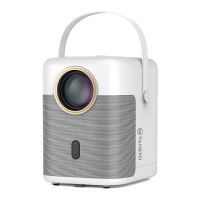
2. Go to Homepage > Input Source, select MULTISCREEN as the input source to enter the
CAST interface.
3. Select Windows Cast to enter the following interface.













 To Next Page