13
iOS Cable Cast:
1. Connect the lightning connector to the phone. Connect the other end to the
projector.
2. Click “Trust” on the window that pops up on the screen.
3. Enter device password.
3. Connect your iOS mobile device to the USB port 1 by using original Lightning cable.
4. Confirm, that you trust the connected device.
5. The contents on your iOS device will be mirrored to the wall/screen after a successful
connection.
For Android System
To activate this function, please make sure your Android device supports Multi-
screen/Smart View/Wireless Display. Names may vary on different Android devices.
1. Go to the Wi-Fi settings of your Android mobile device to switch on the option of Wi-Fi.
Note: Successful Wi-Fi connection is not a must, but please make sure the Wi-Fi switch
on your Android device is ON.
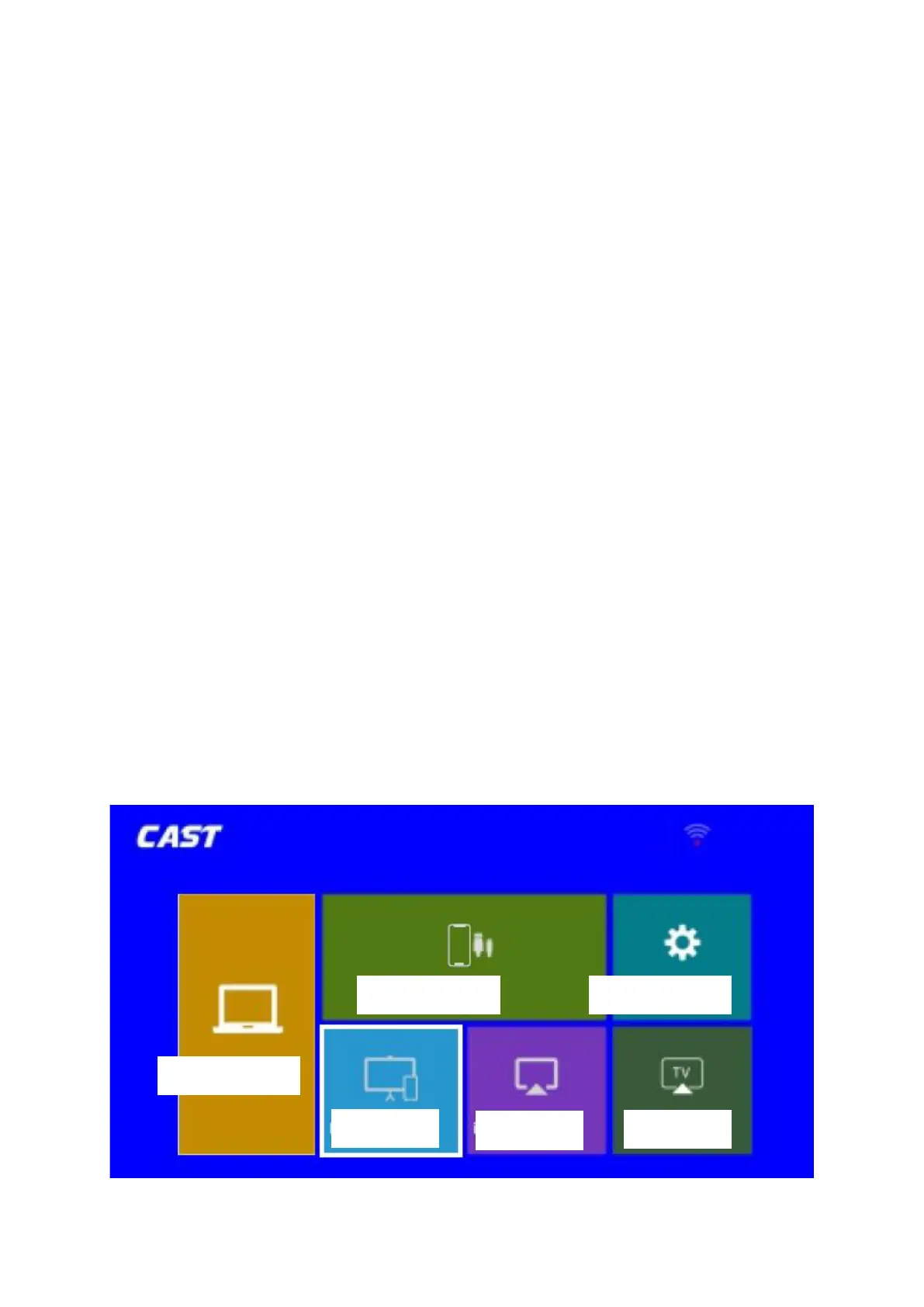
2. Go to Homepage > Input Source, select MULTISCREEN as the input source to enter the
Cast interface.
3. Select Miracast to enter the following interface













 To Next Page