12
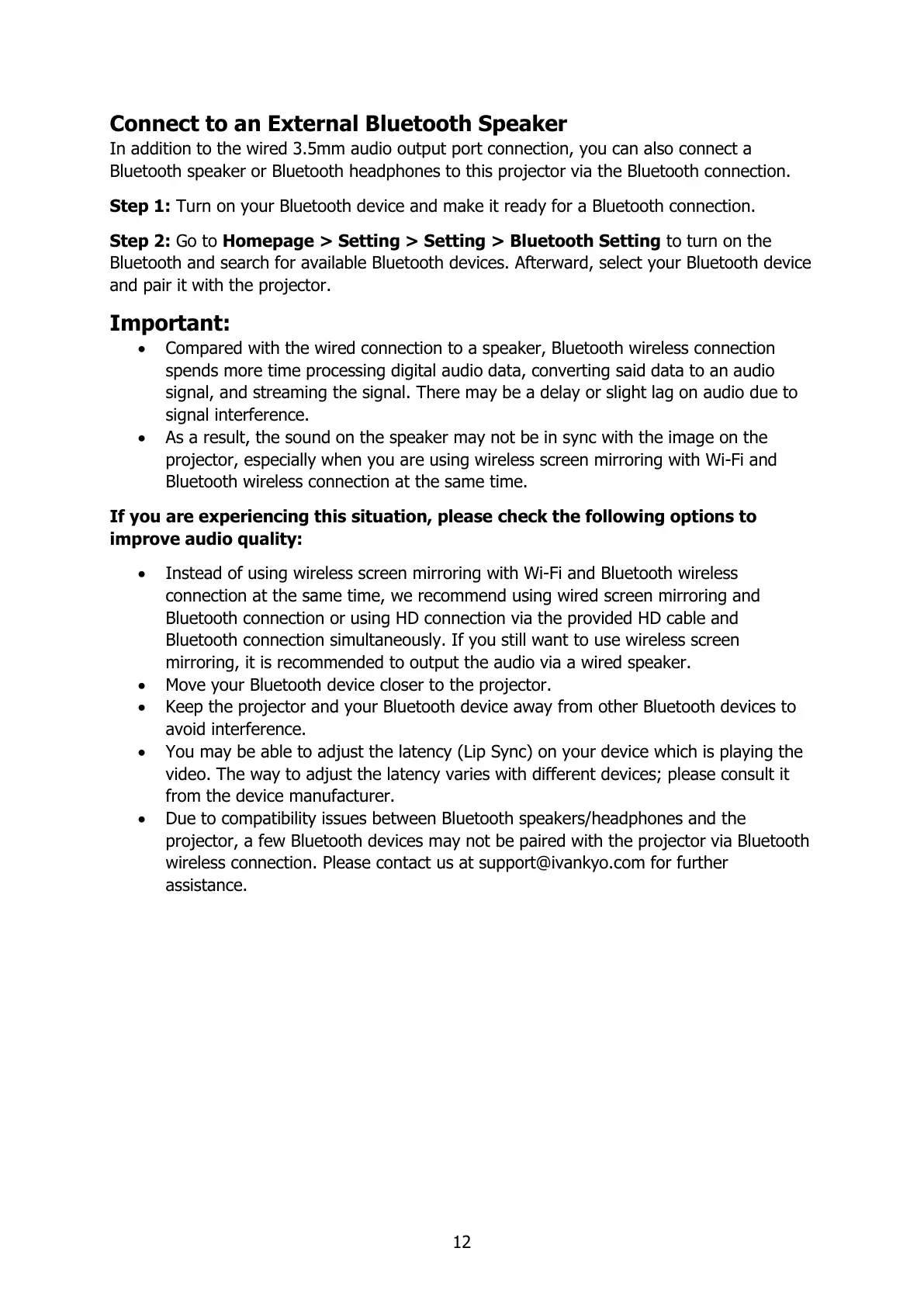
Connect to an External Bluetooth Speaker
In addition to the wired 3.5mm audio output port connection, you can also connect a
Bluetooth speaker or Bluetooth headphones to this projector via the Bluetooth connection.
Step 1: Turn on your Bluetooth device and make it ready for a Bluetooth connection.
Step 2: Go to Homepage > Setting > Setting > Bluetooth Setting to turn on the
Bluetooth and search for available Bluetooth devices. Afterward, select your Bluetooth device
and pair it with the projector.
Important:
Compared with the wired connection to a speaker, Bluetooth wireless connection
spends more time processing digital audio data, converting said data to an audio
signal, and streaming the signal. There may be a delay or slight lag on audio due to
signal interference.
As a result, the sound on the speaker may not be in sync with the image on the
projector, especially when you are using wireless screen mirroring with Wi-Fi and
Bluetooth wireless connection at the same time.
If you are experiencing this situation, please check the following options to
improve audio quality:
Instead of using wireless screen mirroring with Wi-Fi and Bluetooth wireless
connection at the same time, we recommend using wired screen mirroring and
Bluetooth connection or using HD connection via the provided HD cable and
Bluetooth connection simultaneously. If you still want to use wireless screen
mirroring, it is recommended to output the audio via a wired speaker.
Move your Bluetooth device closer to the projector.
Keep the projector and your Bluetooth device away from other Bluetooth devices to
avoid interference.
You may be able to adjust the latency (Lip Sync) on your device which is playing the
video. The way to adjust the latency varies with different devices; please consult it
from the device manufacturer.
Due to compatibility issues between Bluetooth speakers/headphones and the
projector, a few Bluetooth devices may not be paired with the projector via Bluetooth
wireless connection. Please contact us at support@ivankyo.com for further
assistance.














 To Next Page