CB-U320GNA Page 11
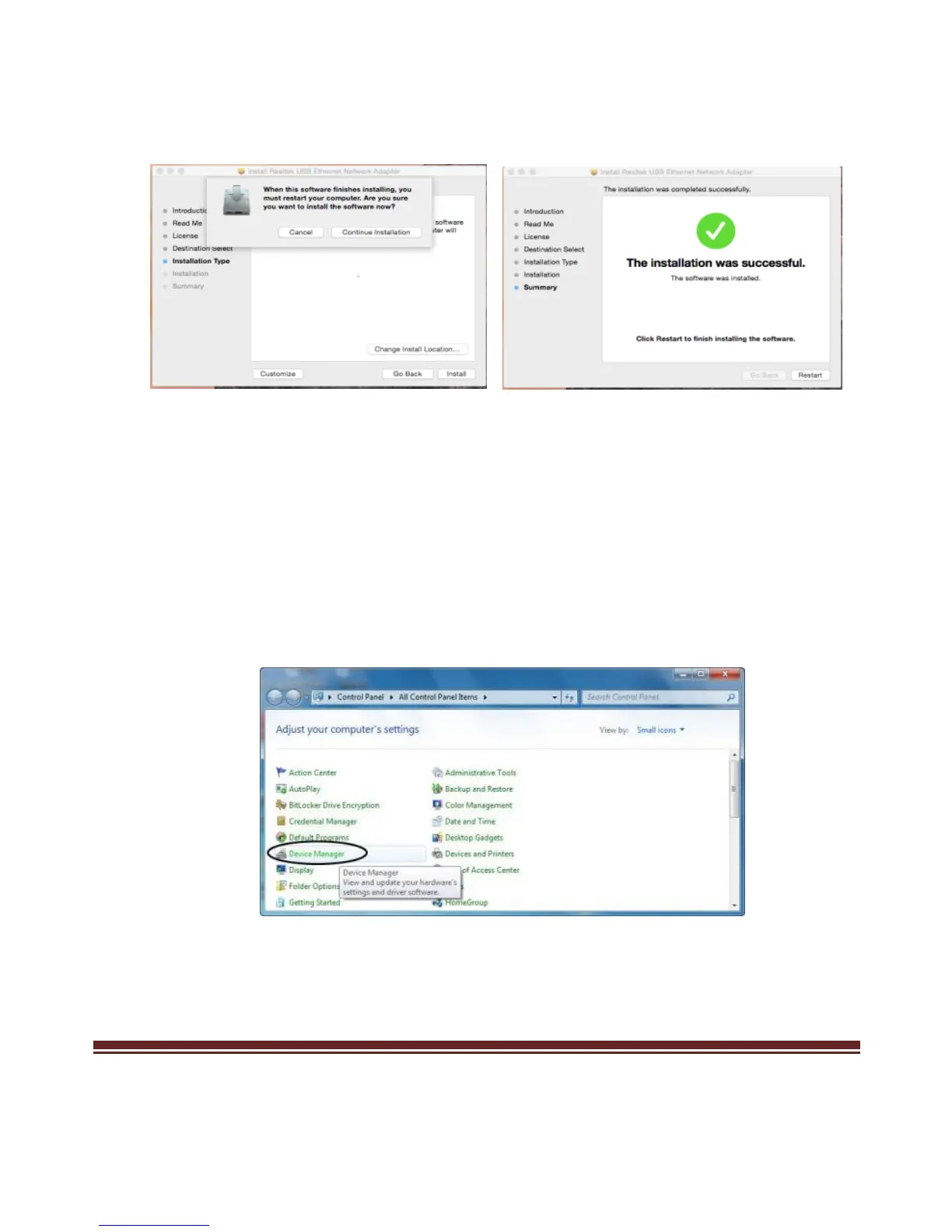
6. Click Continue Installation and Click Restart to finish installing the
software
2.3 Hardware Verify
2.3.1 Verifying for Windows
1. Click on the “Device Manager” tab in the Windows Control Panel.
Start > Control Panel > Device Manager
2. Entry “Network adapters” item, you should see the following
devices installed with no exclamation points or question marks.



 To Next Page