CB-U320GNA Page 9
2. Follow the instructions on the screen to install the drivers.
2.2.2 Installation for Mac OS
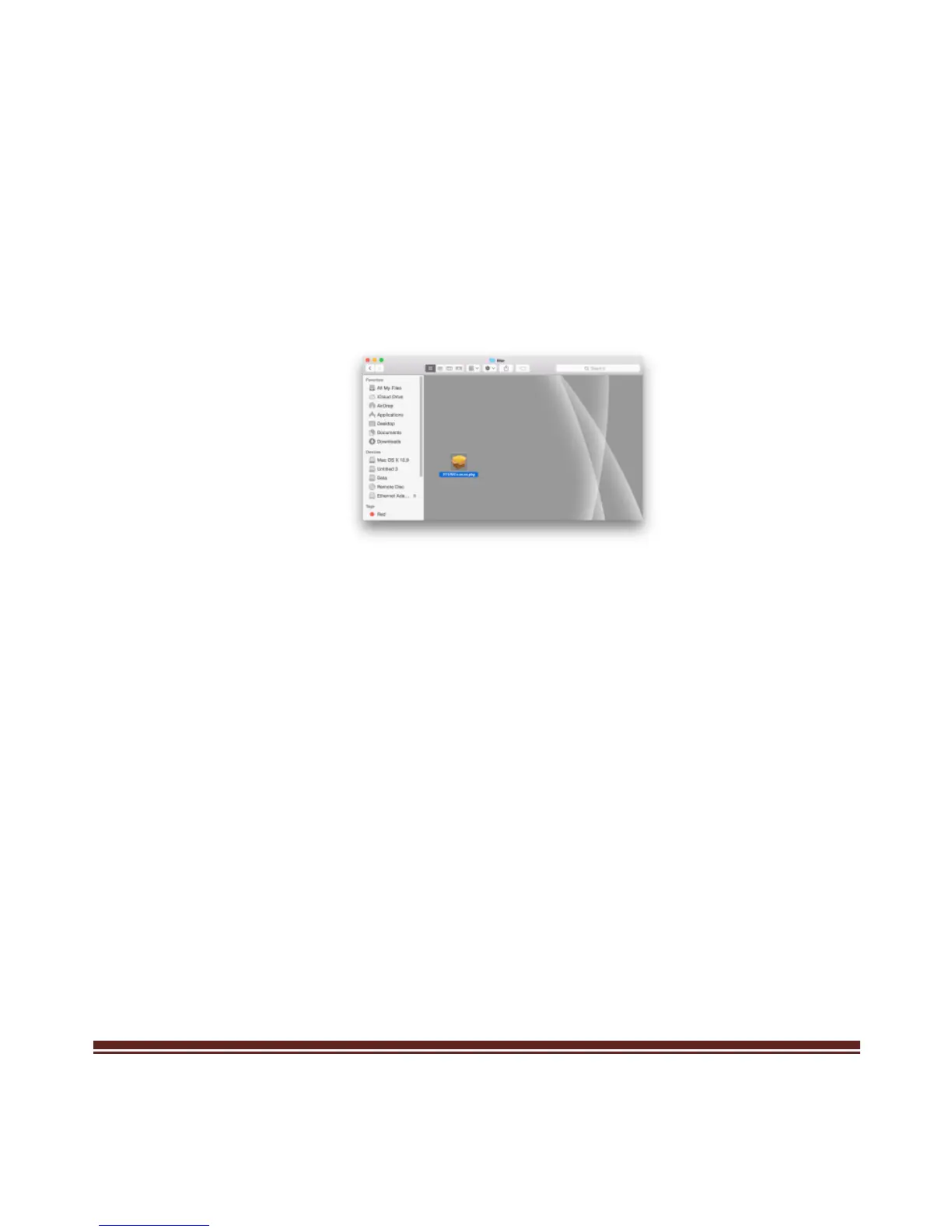
1. Insert the provided CD into your optical drive. Browse to the
CB-U320GNA Folder and select the Mac Folder. Start the driver
installation by clicking on the installation pkg.
*Note: Actual image may vary
2. Follow the instructions on screen to install the driver. After driver
installation is complete, you must restart your computer.
3. Run RTUNICv1.0.8.pkg



 To Next Page