CB-U320GNA Page 8
Ethernet port on your router, switch, or any other networking
device.
2.2 Driver Installation
The following section shows you how to install the USB 3.0 To Dual
Gigabit Ethernet Network Adapter driver on different operating
systems.
Important! Please connect the USB 3.0 To Dual Port Gigabit Ethernet
Network Adapter to your PC before the install.
2.2.1 Installation for Windows
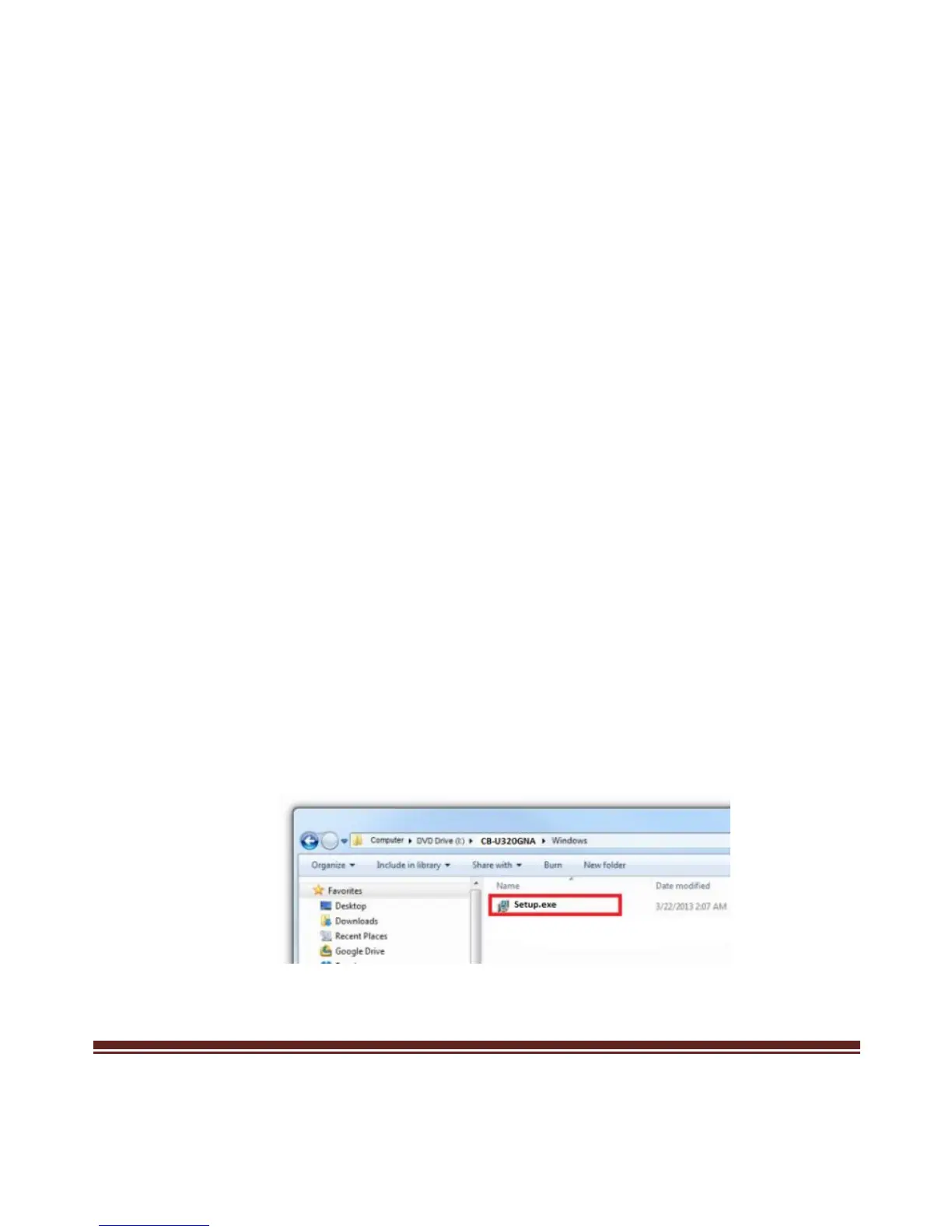
1. Insert the provided CD into your optical drive. Browse to the
CB-U320GNA Folder and select the Windows OS. Start the driver
installation by clicking on the setup program.
*Note: Actual image may vary



 To Next Page