NexStar Universal Storage Adapter
®
5. Installation:
Installation
6
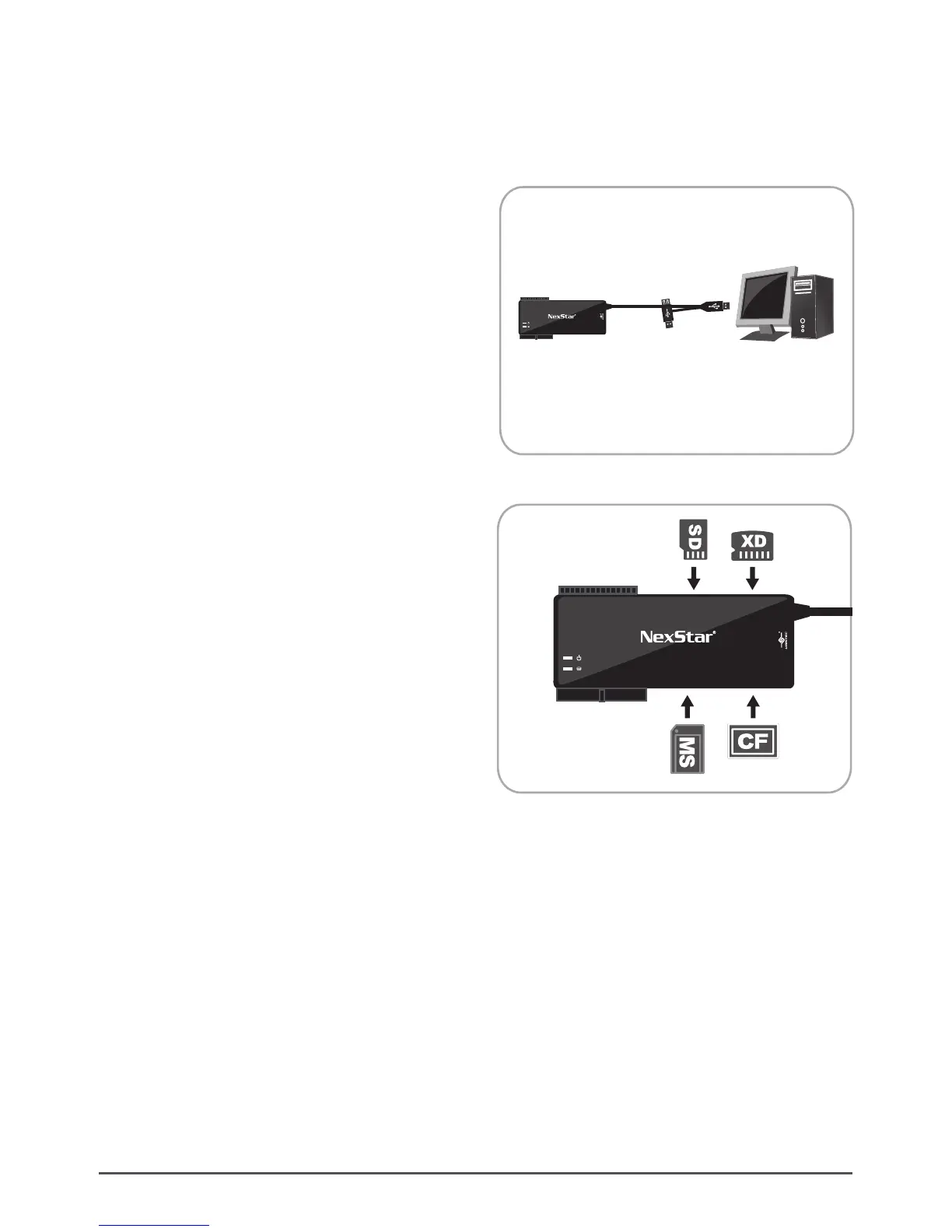
(1) Connect USB cable to your PC USB port.
( Figure 5.1-A )
( Figure 5.1-A )
( Figure 5.1-B )
(2) Insert your memory card into the appropriate
drive slot. ( Figure 5.1-B )
5.1. Using the card reader:
NexStar®
Universal Storage Adapter
Computer
2.5”
SATA
SDXD
CFMS
3.5”/5.25”
Universal Storage Adapter
2.5”
SATA
SDXD
CFMS
3.5”/5.25”






 To Next Page