2.5”
SATA
SDXD
CFMS
3.5”/5.25”
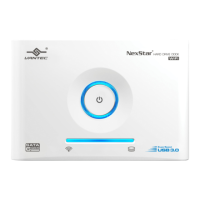
Universal Storage Adapter
5.2. 2.5” IDE Hard Drive Installation:
Installation
7
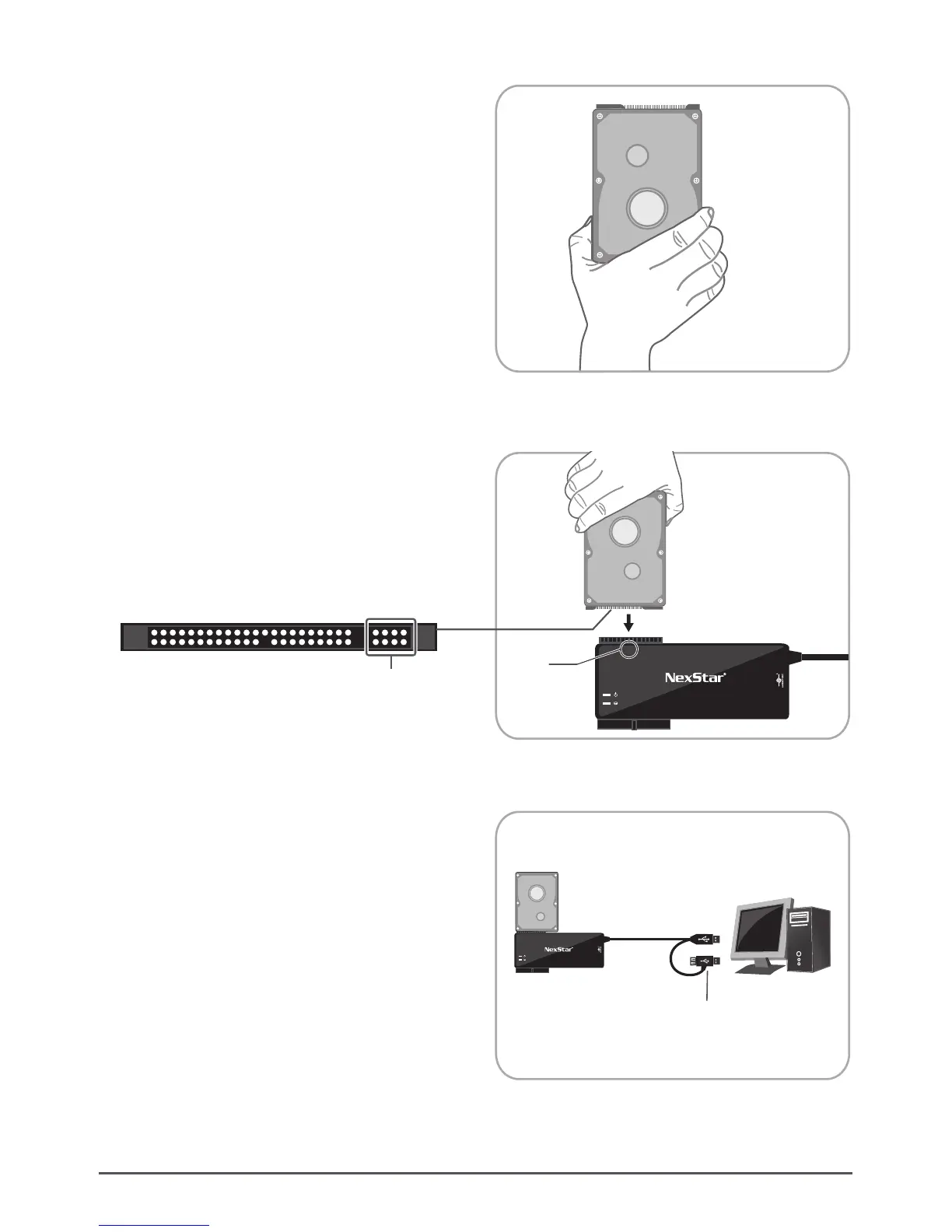
(3) Connect the USB cable to the USB port on the PC.
Once connected properly, the HDD should be
automatically detected and be ready for use.
(You might need to connect both USB cables for
adequate power.) ( Figure 5.2-C )
( Figure 5.2-B )
( Figure 5.2-C )
(2) Make sure that the IDE 2.5” HDD pins align to the
device slot. ( Figure 5.2-B )
( Figure 5.2-A )
(1) Insert 2.5” IDE hard drive (HDD) into the slot.
Turn the front side upward. ( Figure 5.2-A )
Don’t connect the 4-pins on the left side to the device. )
NexStar®
Universal Storage Adapter
Computer
2.5”
SATA
SDXD
CFMS
3.5”/5.25”
2.5”
IDE 2.5” Hard Drive
(Extra Power)
IDE 2.5”
Hard Drive
IDE 2.5”
Hard Drive






 To Next Page