Page 6
3.2 Set Pro:Idiom Mobile Site Key
The boxes uses Pro:Idiom Mobile (PIM) encryption. Each site will require a unique PIM key be entered in
all COM 46/51 cards.
The key must consist of 64 hexadecimal characters:
Numbers 0-9 and/or Letters a-f
Example Key (do not use this on your system):
0123456789abcdef9876543210fedcba0123456789abcdef9876543210fedcba
Vantiva recommends using a site like:
https://www.browserling.com/tools/random-hex
to generate the 64 hexadecimal key. Save the key to a file for future reference.
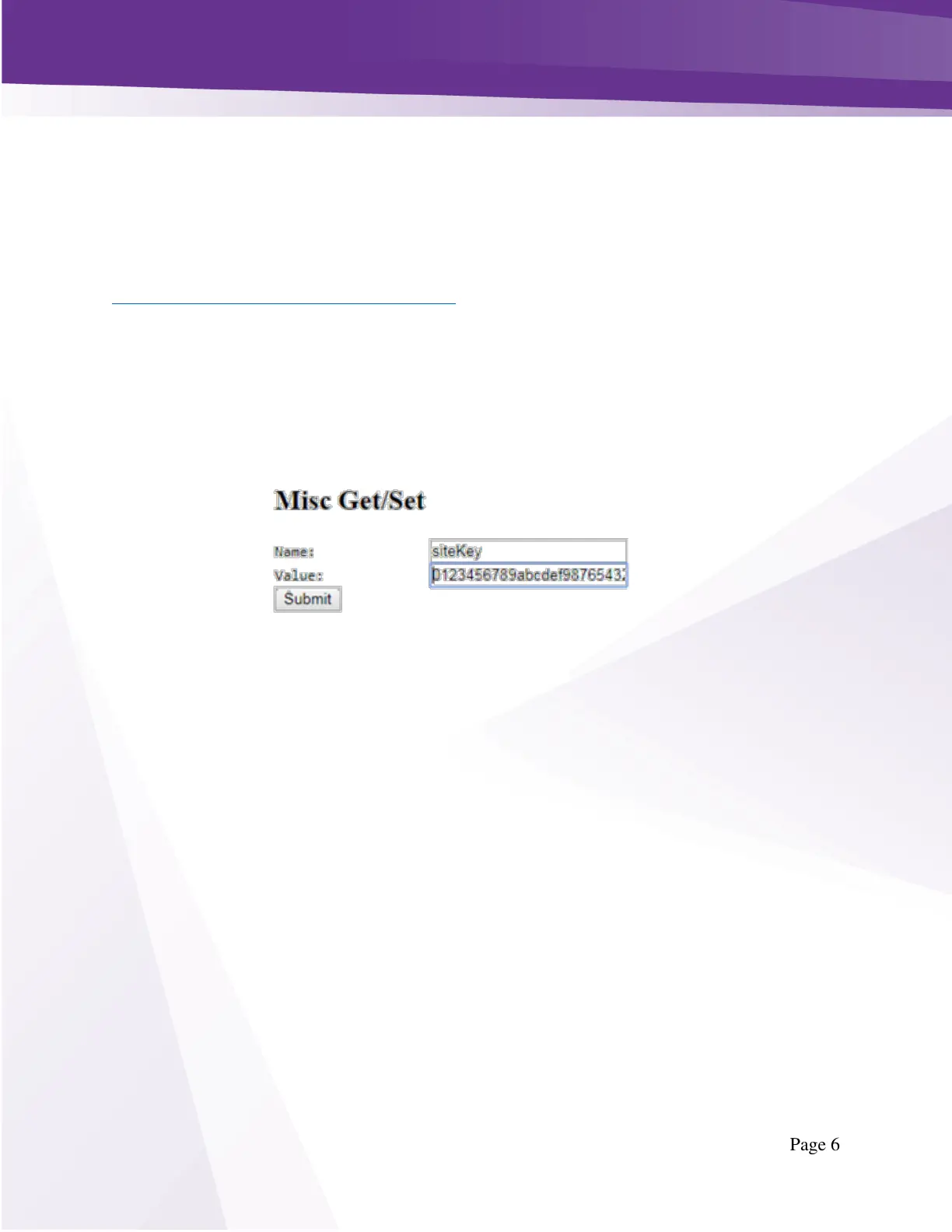
To enter the Pro:Idiom Mobile (PIM) key navigate to: Discover Page > Click Channel#> Advanced Edit
>Misc Get/Set as shown below in Figure 2- COM51 Misc Get Set.
Enter Name: siteKey (case sensitive)
Enter the PIM Key in the Value field of the Get/Set section
Click Submit
All Pro:Idiom Encrypted streams will include Pro:Idiom Mobile keys using the specified PIM key.
Repeat this process for every COM51 or COM46 in the system.
3.3 GUIDE.XML
The UCW4026MCS will require a GUIDE.XML and a CONFIG.XML file from COM51 in order to properly
operate in any capacity in either a QAM or IP installation.
Both the GUIDE.XML and the CONFIG.XML should be generated using the same COM51 card in the
system. Generally, it is good practice to select the card in slot 1 for this responsibility, but it is not a
requirement. Whichever card is selected to originate the GUIDE.XML and CONFIG.XML will also be used
to send any software updates to the UCW4026MCS devices.
Configure Guide.XML according to standard EPG instructions. You can click EPG->Guide.xml to configure
the system with the list of channels currently playing.
In the Mode section enter 13 as shown below in Figure 3 - EPG Guide.XML.



 To Next Page