Page 9
4 Software Updates
Vantiva and DIRECTV have developed processes that will automate software updates, so that all
deployed boxes will receive and install updates without any user intervention. You may refer to the
below instructions should a manual update be necessary.
NOTE: For QAM deployments, the UCW4026MCS will receive software updates from the COM51 on RF
channel 23. Video service on the sub-channels (23-2 & 23-3) will be affected during the software
update.
File Upload
Step One: Upload Software
UCW4026MCS software is in a compressed .zip file. The filename must not be changed.
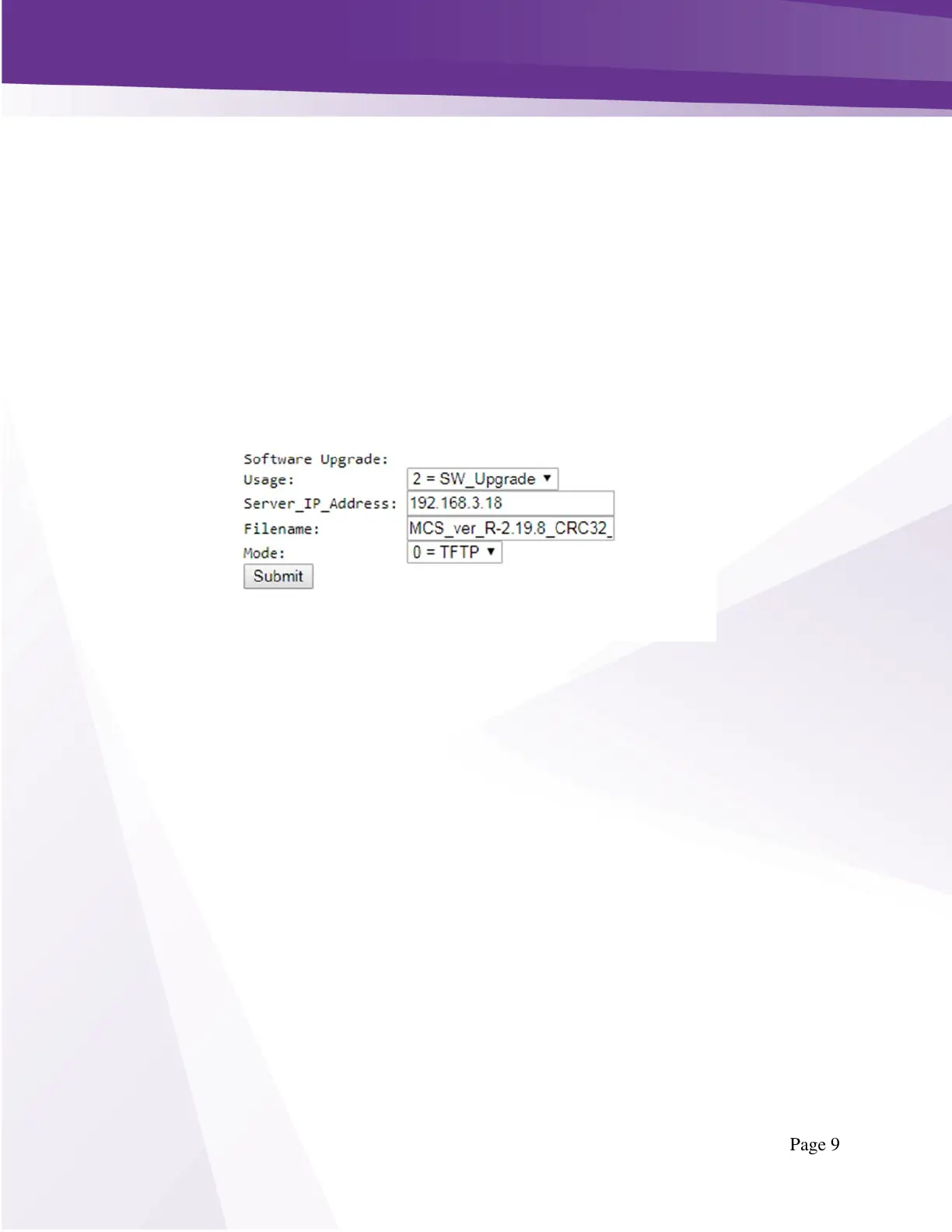
Using the Browser Upload function available in the PairingInfo page, upload the file to the COM51 card
generating the GUIDE.XML and CONFIG.XML files as shown below in Figure 7 - Software Upload.
Figure 7 - Software Upload



 To Next Page