EasyManua.ls Logo

Varex Imaging 4336W-G5 - User Manual

Default Icon
112 pages
Print Icon
To Next Page IconTo Next Page
Loading...
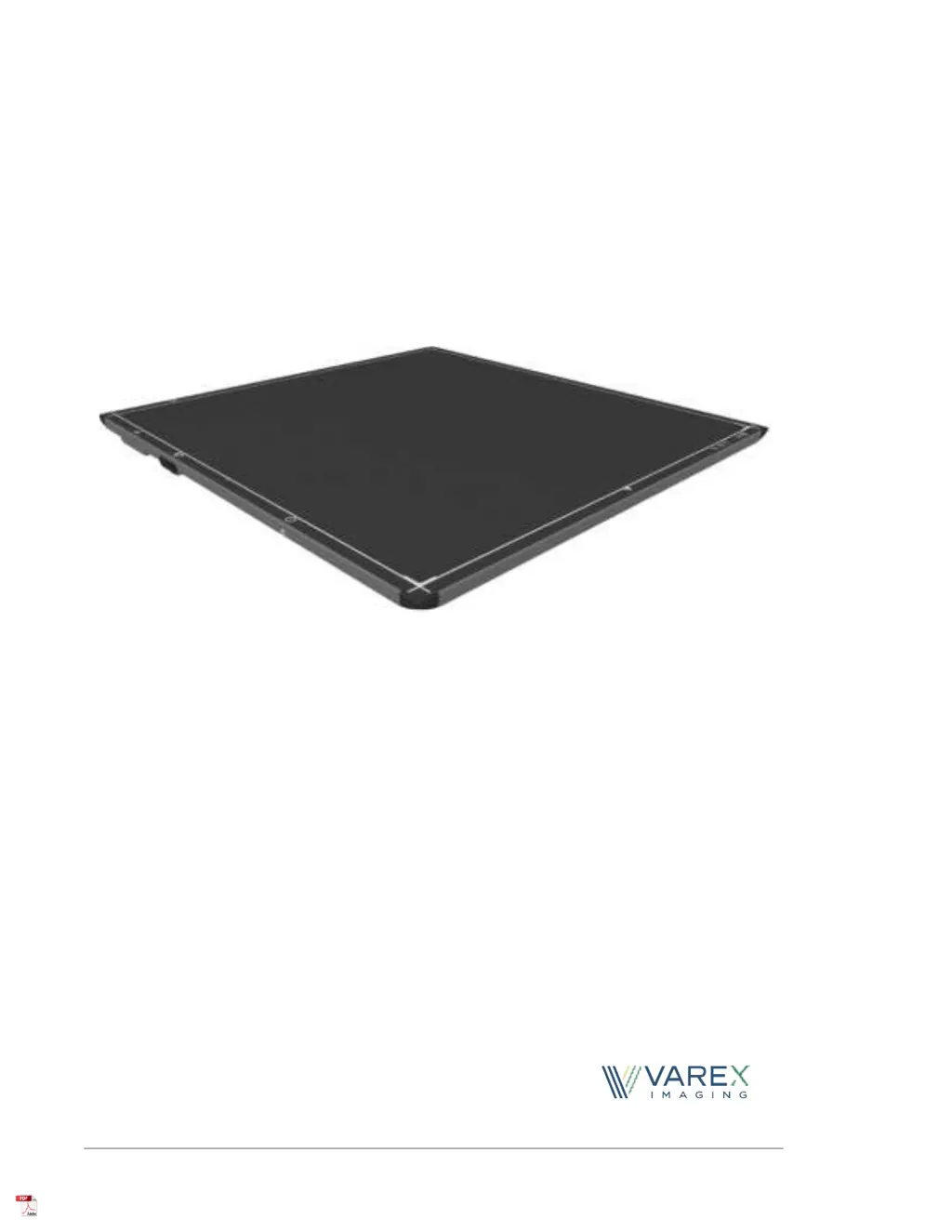
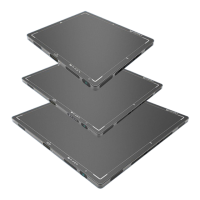
4343W/4336W-G5/2530W-G5
X- ray Detectors
Before using the X-ray detectors, be sure to read this manual thoroughly along with any
other manuals for the software and other system components. Keep this manual where it
is easily accessible.
®

Table of Contents

Questions and Answers

  • T
    Timothy McdonaldAug 10, 2025
    How to fix Varex Imaging 4336W-G5 detector that fails to link wirelessly?
    • L
      leehollyAug 10, 2025
      If your Varex Imaging Security Sensors detector is not linking wirelessly, first ensure it is associated with the access point, using the LED indicator behavior as a guide. If it still won't link, try powering it off or rebooting it, then re-insert the battery and try associating it again. If the issue persists, power cycle the access point. Finally, check the access point connections and settings, ensuring the SSID, IP Address, and password match.
  • C
    Caroline LoveAug 17, 2025
    Why is my Varex Imaging Security Sensors WiFi connection slow?
    • J
      jennifertaylorAug 17, 2025
      If you're experiencing an intermittent or slow WiFi connection, or slow image transfer with your Varex Imaging Security Sensors detector, ensure that your router band setting is set to 5GHz, as the detector will not operate on the 2.4GHz frequency.
  • A
    Andrew OrozcoAug 26, 2025
    What to do if Varex Imaging 4336W-G5 Security Sensors acquired image is non-linear?
    • J
      Jenna HolmesAug 26, 2025
      If the acquired image from your Varex Imaging Security Sensors is non-linear, or the pixels are past the saturation point of dose, try powering off or rebooting the detector, re-inserting the battery, and re-establishing the link. Also, ensure that the tube dose is set to the correct settings. You may also acquire another image at the recommended median count.
  • K
    Karen SimmonsSep 1, 2025
    How to reduce Electro-Magnetic Interference from Varex Imaging Security Sensors?
    • M
      Micheal WilliamsSep 1, 2025
      If your Varex Imaging Security Sensors detector is causing Electro-Magnetic Interference, try reorienting or relocating the receiving device. You can also increase the separation between the equipment.

Summary

Before You Begin

Protection Against Ionizing Radiation

Safety precautions and responsibilities regarding exposure to ionizing radiation.

For Your Safety

Installation and Environment of Use

Service and Tether Cables

Handling Precautions

Battery, Power Supply, and Charging

Network and vTrigger Mode

Troubleshooting and Maintenance

Standards and Regulations Compliance

X-ray Detector Description

Detector Specifications

Getting Started: Shipment and Connections

Connecting the Service Cable

Connecting the Tether Cable

Software Installation Essentials

Software Installation Utilities

X-ray Detector Battery Management

Battery Installation

Procedures for battery installation and initial setup for the X-ray detector.

Battery Removal Procedures

Battery Status and Hot-Swap

Inductive Battery Charger Installation

Power-on and Power-off Sequences

Rebooting the X-ray Detector

Connecting to the X-ray Detector via ViVA

VSP Control Panel Access

Modifying VSP Control Panel Settings

Changing the Control Panel Password

Updating X-ray Detector Firmware

X-ray Detector Calibration Procedures

Offset Calibration Steps

Detailed steps for performing offset calibration using the ViVA application.

Gain Calibration Process

Gain Calibration Steps in ViVA

Image Acquisition Overview

Radiographic Acquisition Settings

System Software Overview

vTrigger Acquisition (AED)

Generator Interface Signals and Position Sensing

Autonomous Mode and Detector Sharing

Maintenance and Cleaning

Troubleshooting Common Problems

Service, Disposal, and Warnings

Electromagnetic Interference Safety

Electromagnetic Immunity Tests

RF Compliance Information (US)

Regulatory Compliance Notices

Varex Imaging 4336W-G5 Specifications

General IconGeneral
BrandVarex Imaging
Model4336W-G5
CategorySecurity Sensors
LanguageEnglish

Related product manuals