EasyManua.ls Logo

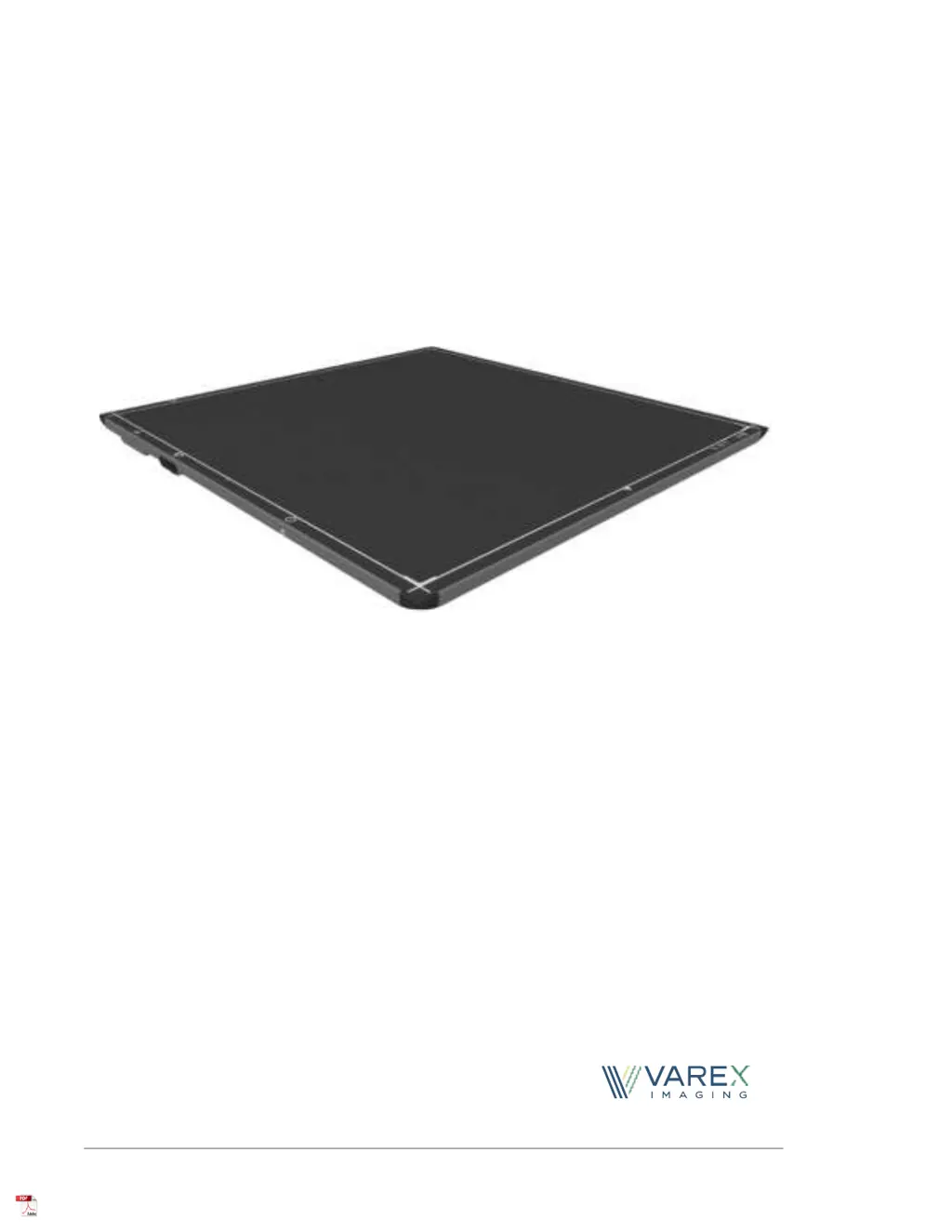
Varex Imaging 4343W - User Manual

Varex Imaging 4343W
112 pages
Print Icon
To Next Page IconTo Next Page
Loading...
4343W/4336W-G5/2530W-G5
X- ray Detectors
Before using the X-ray detectors, be sure to read this manual thoroughly along with any
other manuals for the software and other system components. Keep this manual where it
is easily accessible.
®

Table of Contents

Questions and Answers

Summary

Before You Begin

Protection Against Ionizing Radiation

Information on safety precautions and measures for ionizing radiation use.

For Your Safety

Meaning of Alerts and Notes

Explanation of DANGER, WARNING, CAUTION, and NOTE symbols.

Installation and Environment of Use

Service Cable and Tether Cable

Handling

Battery, Charger, and Power Supply

WLAN

Network and Connectivity

vTrigger Mode (Automatic Exposure Detection)

Details on automatic exposure detection using vTrigger mode.

Maintenance and Troubleshooting

Maintenance and Inspection

Procedures and warnings for maintaining and inspecting the X-ray detector.

Scope and Intended Use

Contraindications

Information regarding contraindications for the X-ray detectors.

Intended Use

Details on the intended purpose and application of the X-ray detectors.

Audience

Identifies the intended readers of this document.

Abbreviations and References

Abbreviations

List of acronyms and their full meanings used in the manual.

References

List of documents and resources referred to in the manual.

Definition of Symbols

Standards and Regulations

Storage and Use Conditions

Temperature Sensors

Description of X-ray Detectors

X-ray Detector Specifications

Detector Surfaces and Features

Getting Started

Shipment Contents

Lists the items included in each shipment of the X-ray detector.

Data Interface and Cables

Information on connecting the X-ray detector via data interfaces and cables.

Connecting the Service Cable for 4343 W

Instructions for connecting the Service Cable to the 4343W model.

Connecting the Tether Cable for 4336 W-G5 and 2530 W-G5

Instructions for connecting the Tether Cable to the 4336W-G5 and 2530W-G5.

Software Installation

SDK Files

Details on the Software Development Kit (SDK) files for installation.

Bonjour Installation Files

Information on Bonjour installation files required for ViVA software.

Sample Code

Provides sample code projects for C# and C/C++.

Utility Software

Utility software for transferring configuration files to the detector.

ViVA Installation

Step-by-step guide for installing the ViVA application.

X-ray Detector Battery

Battery Installation

Procedure for inserting the battery into the X-ray detector.

Battery Removal

Procedure for removing the battery from the X-ray detector.

Battery Charge Level

How to check the battery charge level using the indicator.

Battery Hot-Swap

Information on the hot-swappable battery feature.

Inductive Battery Charger

Installing the Varex Provided Inductive Battery Charger

Steps for installing the inductive battery charger and detector support.

Using a Third-Party Inductive Battery Charger

Power-on and Power-off Sequence

Reboot Sequence

LED Status Indicator Behavior

Connecting to the X-ray Detector

VSP Control Panel

Access the VSP Control Panel

Steps to access and log in to the VSP Control Panel.

Modify Settings

Guide on how to change detector configuration settings.

Change Password

Instructions for changing the administrator password for the control panel.

Firmware Update

Procedure for updating the X-ray detector firmware.

X-ray Detector Calibration

Offset Calibration

Explanation of offset calibration to compensate for pixel variations.

Offset Calibration Steps

Step-by-step guide for performing offset calibration using ViVA.

Gain Calibration

Process to compensate for non-uniformities using gain calibration.

Gain Calibration Steps

Detailed steps for performing gain calibration in ViVA.

Image Acquisition

Acquiring Radiography Images

Procedure for acquiring single-shot, high-resolution radiography images.

Radiographic Acquisition Settings

How to change acquisition type in the Radiographic Progress window.

ViVA Configuration Settings

Dynamic Integration Settings

The Detector Configuration File

System Software

Radiography Acquisition

How radiographic acquisition is controlled by software and API commands.

vTrigger Acquisition (AED)

Details on vTrigger acquisition controlled by hardware and software.

X-ray Generator Interface Signals

Hardware signals for interfacing X-ray detector with generator.

Position Sensing

Information on magnetic sensors for detector positioning within a bucky.

Autonomous Mode

Feature allowing wireless detector to run autonomously and store images.

Detector Sharing

Capability to set IP address, password, and SSID via software.

Maintenance

Cleaning and Disinfecting

Procedures and precautions for cleaning and disinfecting the detector.

Cleaning the X-ray Detector

Step-by-step instructions for cleaning the X-ray detector.

Disinfecting the X-ray Detector

Step-by-step instructions for disinfecting the X-ray detector.

Field Replaceable Parts

Troubleshooting

Wireless Connectivity Issues

Solutions for detector linking and WiFi connection problems.

Electromagnetic Interference

Troubleshooting detector causing or affected by EMI.

Image Quality Issues

Resolving problems like non-linearity, dark images, noise, and defective pixels.

Software Issues

Troubleshooting ViVA software freezes and error messages.

Hardware Issues

Solutions for issues like detector being dropped.

After-sales Service

Disposing of Detector and Battery

Safety - Electromagnetic Interference

Electromagnetic Emissions

Details on RF conducted and radiated emissions, harmonics, and flicker.

Electromagnetic Immunity

Information on ESD, transient/burst, surge, and voltage variation immunity.

RF Compliance Information

United States FCC;IC Compliance

FCC and IC compliance statements and SAR limits.

Regulatory

Industry Canada Notice

Industry Canada notice regarding radio interference and compliance.

Declaration of Conformity for European Union

Korea Certification

Appendix A: Accessories

Appendix B: Mechanical Drawings

Varex Imaging 4343W Specifications

General IconGeneral
BrandVarex Imaging
Model4343W
CategorySecurity Sensors
LanguageEnglish

Related product manuals