EasyManua.ls Logo

Varex Imaging Azure 3131Z - User Manual

Varex Imaging Azure 3131Z
84 pages
Print Icon
To Next Page IconTo Next Page
Loading...
Making the Invisible Visible
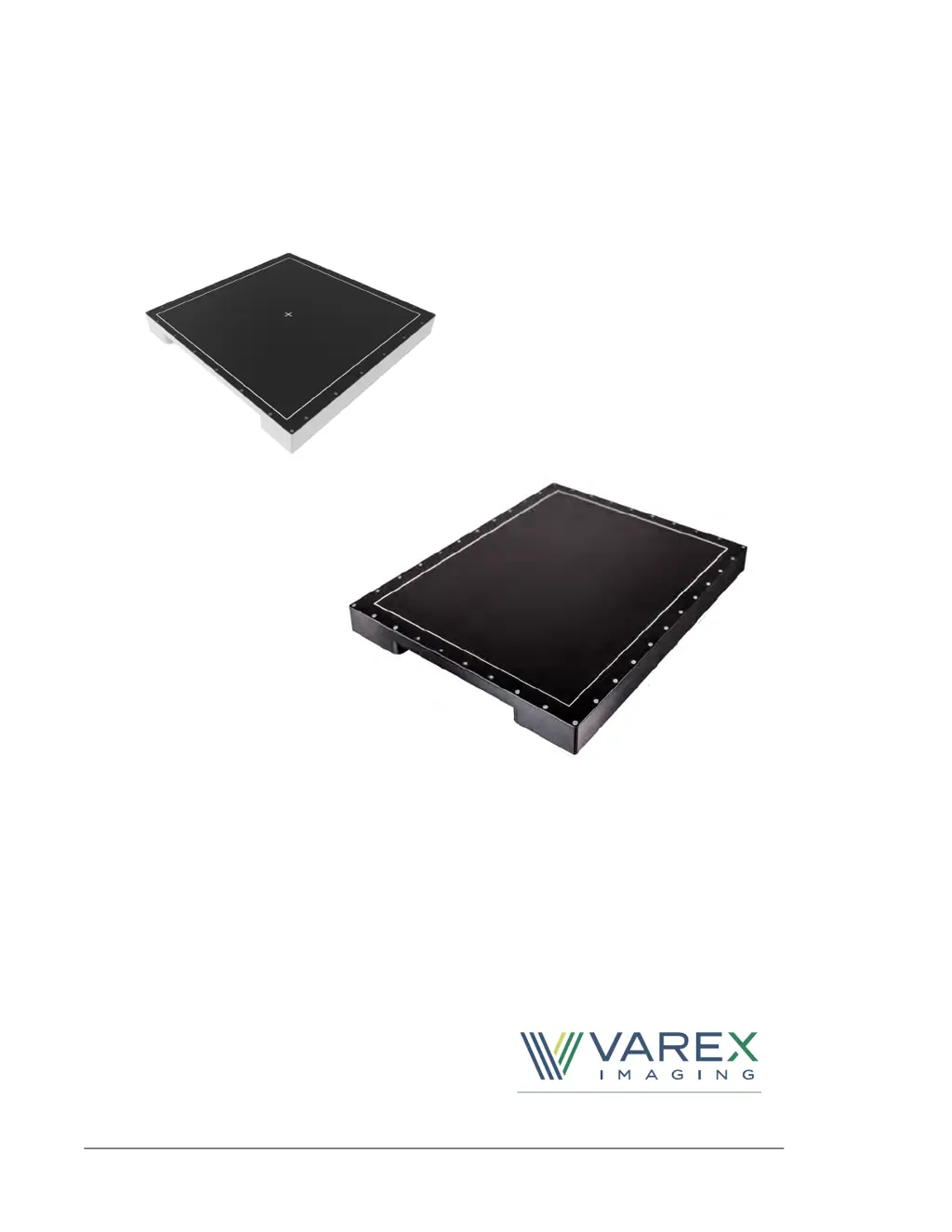
Azure 3131Z & 4131Z
X-ray Detectors
Before using the X-ray detector, be sure to read this manual thoroughly along with any
other manuals for the software and other system components. Keep this manual where it
is easily accessible.

Table of Contents

Questions and Answers

Summary

Safety and Precautions

Protection Against Ionizing Radiation

Guidelines for safety measures against harmful X-ray radiation exposure.

General Safety Instructions

Essential safety instructions for handling, installing, and using the X-ray detector.

Electromagnetic Safety

Guidelines for electromagnetic compatibility, emissions, immunity, and RF safety.

Installation and Setup

Installation and Environment

Details on proper installation procedures and environmental conditions for detector operation.

Getting Started Guide

Initial steps and information required to begin using the X-ray detector.

Connecting the Detector

Step-by-step instructions for connecting cables, power, and initial detector setup.

Connecting with Viva Pro

Guide to establishing a connection between the X-ray detector and the Viva Pro software.

Operation and Calibration

X-ray Detector Description

Overview of the detector's architecture, features, and technical specifications.

Viva Pro Acquisition Settings

Configuration options and parameters within Viva Pro for image acquisition.

Offset and Gain Calibration

Process for calibrating pixel intensity variations and detector non-uniformities.

Image Acquisition and Modes

Instructions for acquiring images and explanation of different operating modes.

Calibration Maintenance

Importance and frequency of maintaining detector calibrations for optimal performance.

Troubleshooting and Support

Troubleshooting Common Issues

Provides solutions for common problems encountered during detector operation.

Diagnostic Data and Logs

Information on diagnostic data, saving frame data, APIs, and accessing logs.

After-sales Service

Contact information and procedures for technical support, warranty, and product returns.

Varex Imaging Azure 3131Z Specifications

General IconGeneral
BrandVarex Imaging
ModelAzure 3131Z
CategorySecurity Sensors
LanguageEnglish

Related product manuals