EasyManua.ls Logo

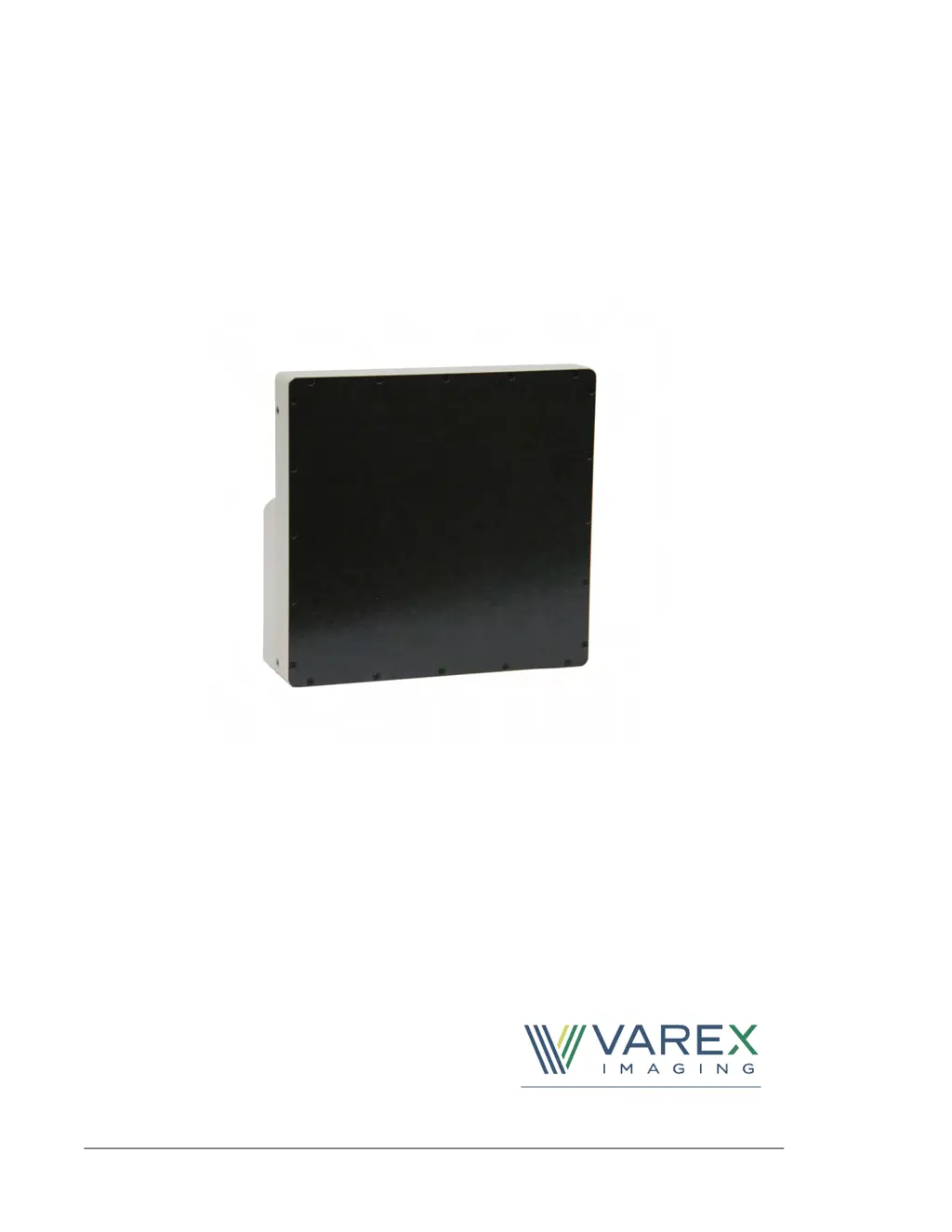
Varex Imaging PaxScan 1313DXT-I - User Manual

Default Icon
78 pages
Print Icon
To Next Page IconTo Next Page
Loading...
Making the Invisible Visible
PaxScan 1313DXT-I/1515DXT-I/
2520DX-I/3030DX-I
X-ray Detectors
Before using the X-ray detector, be sure to read this manual thoroughly along with any
other manuals for the software and other system components. Keep this manual where it
is easily accessible.

Table of Contents

Questions and Answers

Summary

Before You Begin

Protection Against Ionizing Radiation

Safety precautions and responsibilities regarding ionizing radiation exposure.

For Your Safety

General safety instructions and warnings for handling, installing, and using the detector.

Installation and Environment of Use

Meaning of Alerts and Notes

Explains the meaning of DANGER, WARNING, Caution, and Note symbols used in the manual.

Interface and Power Supply and Cables

Handling

If a Problem Occurs

Maintenance and Inspection

1.0 Scope

2.0 Contraindication

3.0 Intended Use

4.0 Audience

5.0 Abbreviations

6.0 Definition of Symbols

7.0 Standards and Regulations

8.0 Description of the Detectors

8.1 Shipment Contents

Lists items included in the detector shipment and inspection procedures.

8.2 Accessories

Details approved accessories and replacement parts for the detector.

8.3 Detector Surfaces and Features

Describes the physical characteristics and key features of the detector.

8.3.1 Cables

8.3.2 Connecting the Cables

Step-by-step guide for connecting detector cables to the system.

8.3.3 Power On the Detector

Instructions on how to power on the X-ray detector.

8.4 Detector Dimensions

8.5 Electrical Rating

8.5.1 External Power

Details the external power supply specifications and requirements for the detectors.

8.6 Detector Specifications

8.7 Environmental Considerations

8.8 Interface Signals

8.8.1 User_Sync Input Signal

Describes the User_Sync input signal for triggering detector readout.

8.8.2 Expose_OK Output Signal

9.0 Modes Of Operation

9.1 Operational States

Lists the different operational states of the detector.

10.0 System Software

10.1 Software Installation

Instructions for installing the Virtual CP software package.

10.2 Detector Files Installation

10.3 Link to the Detector

10.4 ViVA Mode and System Settings

10.5 Calibration Procedures

10.5.1 Offset Calibration

Compensates for fixed pattern pixel variations using dark current and electronic offsets.

10.5.2 Offset Calibration Steps

10.5.3 Gain Calibration

10.5.4 Fluoroscopic Mode Gain Calibration Steps

10.6 Image Acquisition

10.6.1 Fluoroscopy 2 × 2; Full-Res Fluoro 1 × 1 Mode

Describes the Fluoroscopy mode for real-time moving images for positioning and verification.

11.0 Maintenance

11.1 Cleaning

Instructions for cleaning the detector and connected cables.

12.1 Diagnostic Data

12.2 After-sales Service for Varex Imaging Products

12.3 Disposing of the X-ray Detector

13.0 Safety

13.1 Electromagnetic Compatibility

Discusses the detector's radio frequency energy generation and potential interference issues.

13.2 Electromagnetic Emissions

13.3 Electromagnetic Immunity

13.4 RF Immunity

Varex Imaging PaxScan 1313DXT-I Specifications

General IconGeneral
BrandVarex Imaging
ModelPaxScan 1313DXT-I
CategorySecurity Sensors
LanguageEnglish

Related product manuals