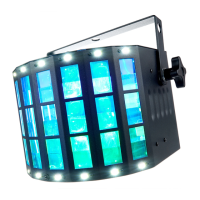
In this menu you can adjust the colour of the LEDs for the derby eect. In addition, a strobe
eect can be activated for these LEDs.
Press [MENU] to open the main menu.
Press [MENU] repeatedly or press [UP] and [DOWN] to select the ‘CoL’ menu item and conrm
with [ENTER].
Change the currently displayed parameter with [UP] and [DOWN] and conrm with [ENTER]. To
return to the main menu without making changes, press [MENU]. To adjust the speed of the
strobe eect, press [ENTER]. Use [UP] and [DOWN] to select a value between ‘F.00’ (no strobe
eect) and ‘F.99’ (fast).
Parameter Meaning
‘r000’ … ‘r255’ Red intensity
‘G000’ … ‘G255’ Green intensity
‘b000’ … ‘b255’ Blue intensity
‘U000’ … ‘U255’ White intensity
Colour menu
Operating
26
Razor Derby
LED Eect


 To Next Page